
Control Center
Your morning command view — configured around how you run your business
SAM's dashboard is not a fixed report. Pin the widgets that matter — daily operations, pipeline, compliance, commissions, team production — and see urgency at a glance, even when tiles are minimized.
The Control Center is SAM's customizable home screen: a grid of live widgets that surface calendar debt, inbox load, call lists, print queue status, pipeline risk, compliance queues, personal and team commissions, and team production — without opening every module first.
Each widget is designed for real estate workflows. Counts respect recurrence, key dates, and record links — so a number on the dashboard is always a click away from the contact, listing, or transaction behind it. Minimized tiles still show indicators when something needs attention.
Solo agents often start with Calendar Stats, Inbox Stats, Call List Stats, My Commissions, and Deal Pipeline Outreach. Team leads add Team Calendar Stats, Team Active Transactions, Team Commissions, and Compliance Approval Queue. Brokers mix compliance and production widgets with C.O.R.E.-aligned contact and nurture stats. You choose what appears; SAM keeps the data current.
Use the widget catalog below to explore what each tile tracks, why it matters, and which SAM features it connects to. When you are ready, open SAM, open dashboard settings, and build the layout that matches your daily rhythm.
Daily Operations
Start every day knowing what is overdue, due today, and waiting in your calendar, inbox, call lists, and print queue.
Daily Operations
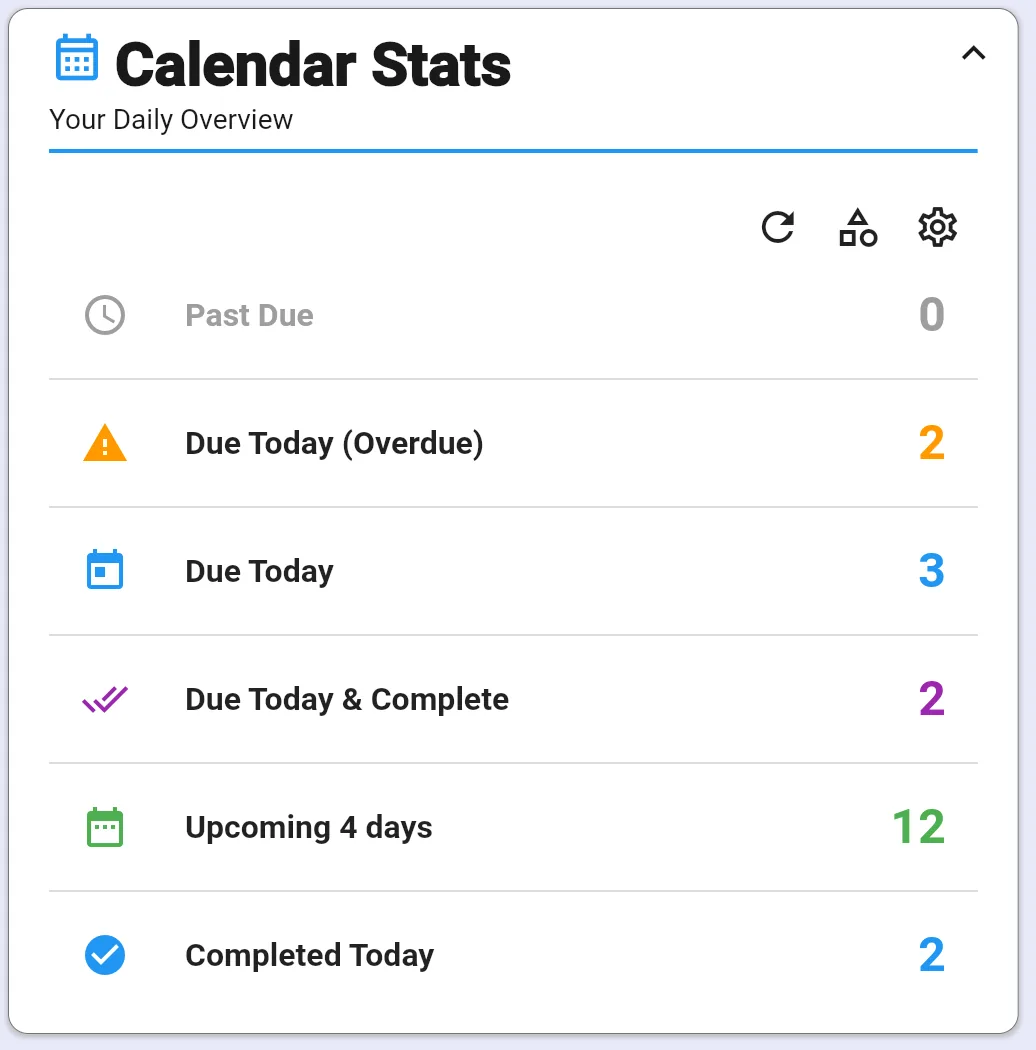
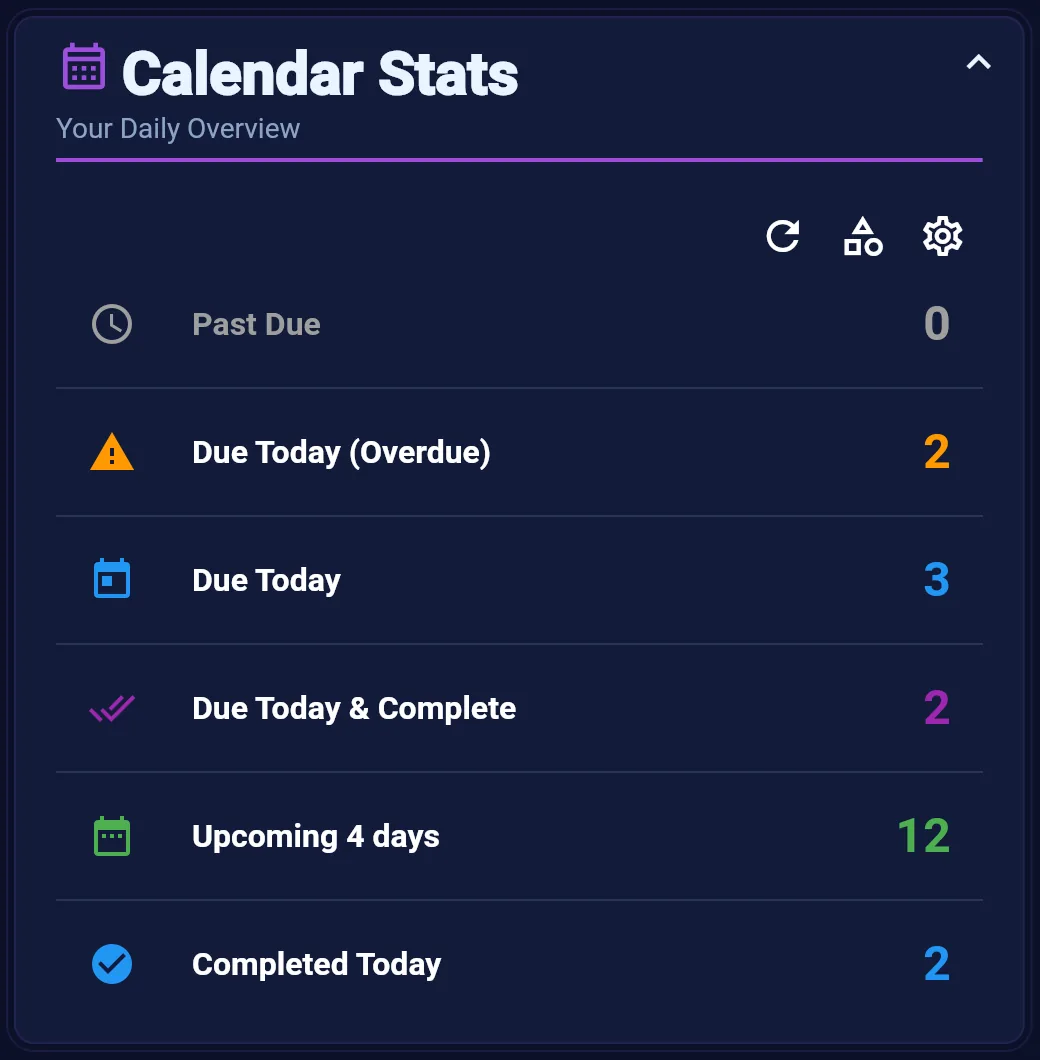
Calendar Stats
See past due, due today, completed, and upcoming calendar activities at a glance — before you open your schedule.
Learn more →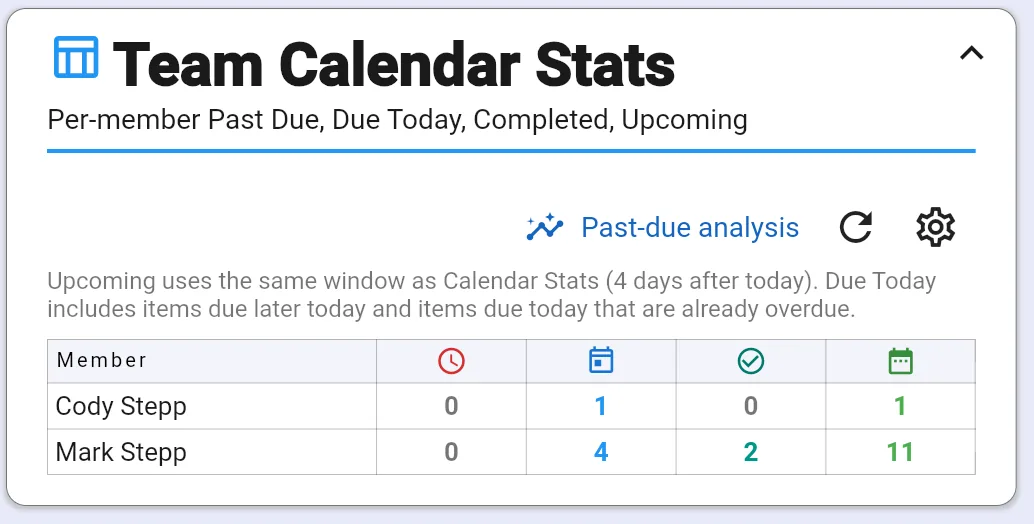
Daily Operations
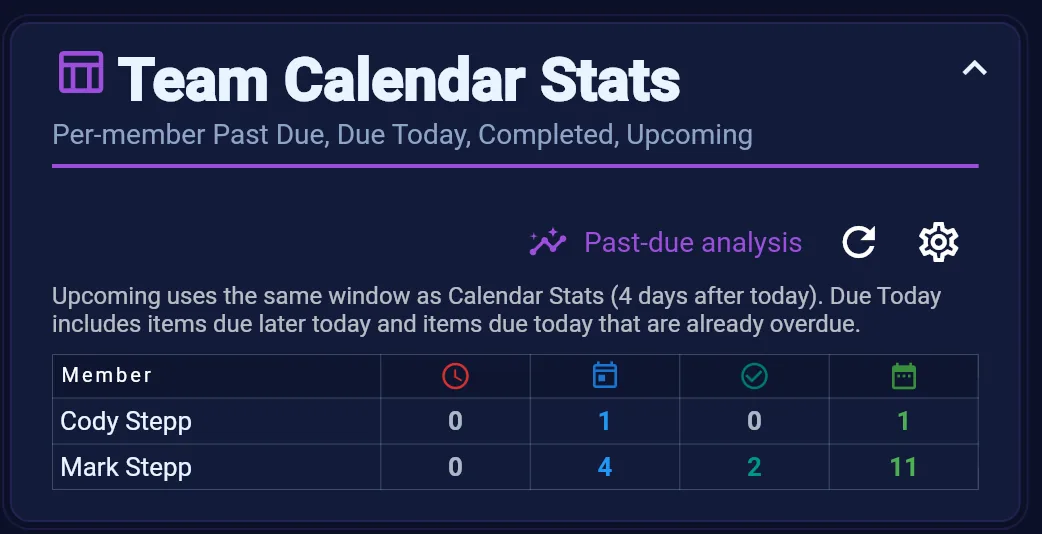
Team Calendar Stats
Compare past due, due today, completed, and upcoming calendar work across every team member in one table.
Learn more →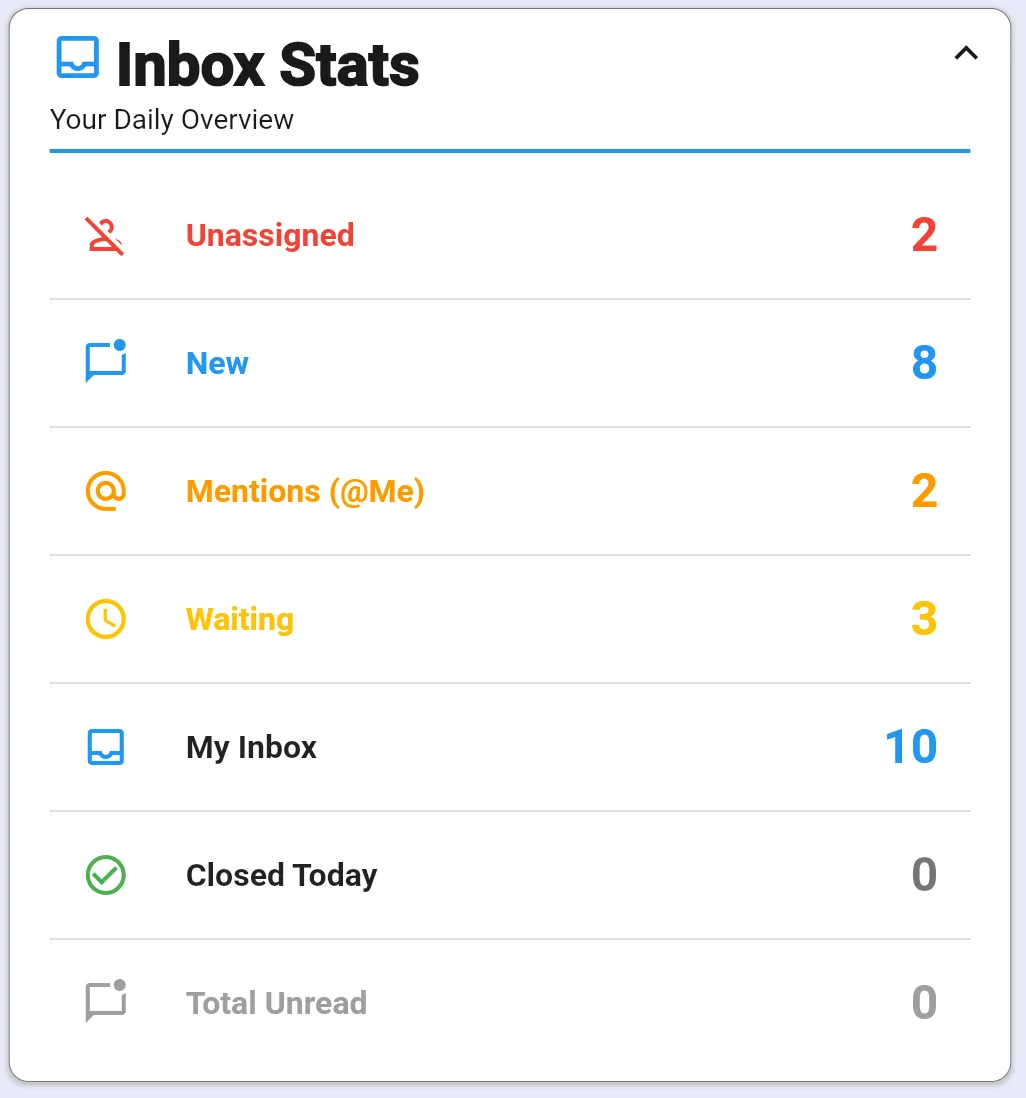
Daily Operations
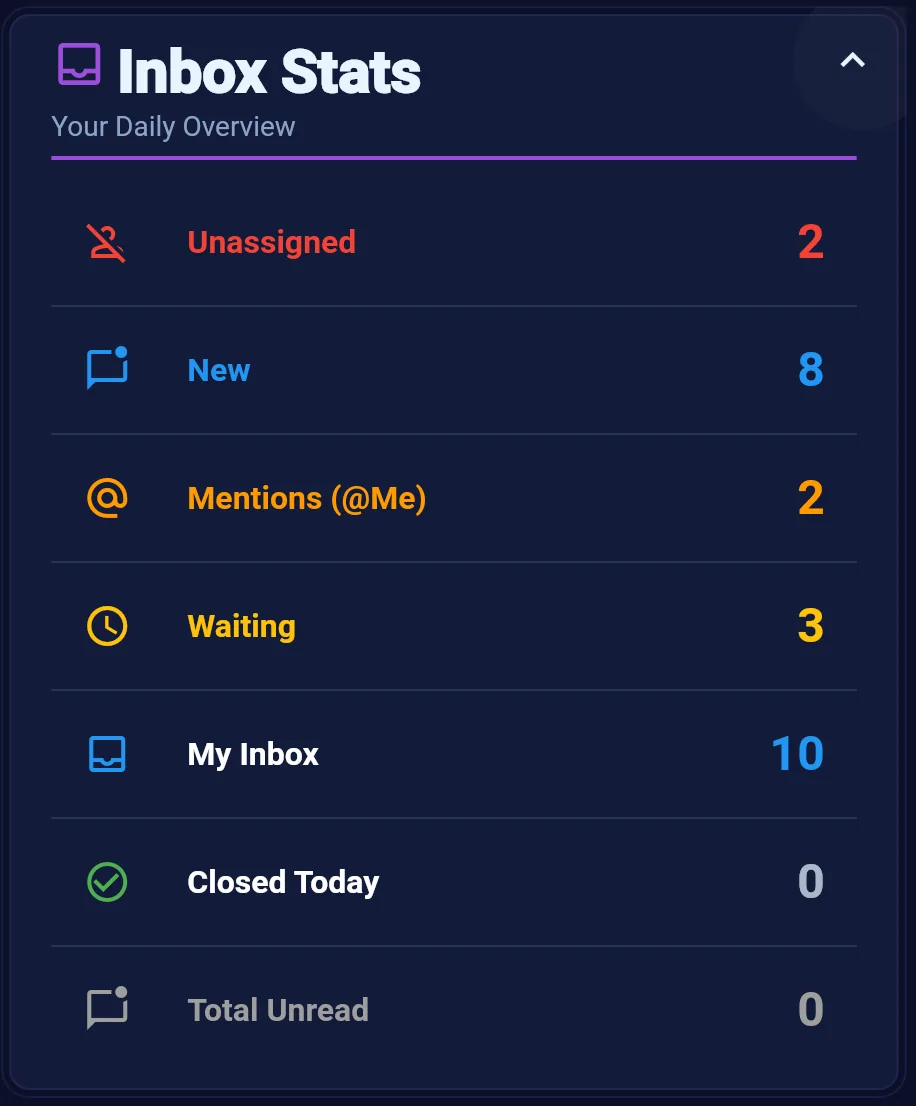
Inbox Stats
Track unassigned threads, new messages, mentions, waiting replies, and snoozed conversations from your unified inbox.
Learn more →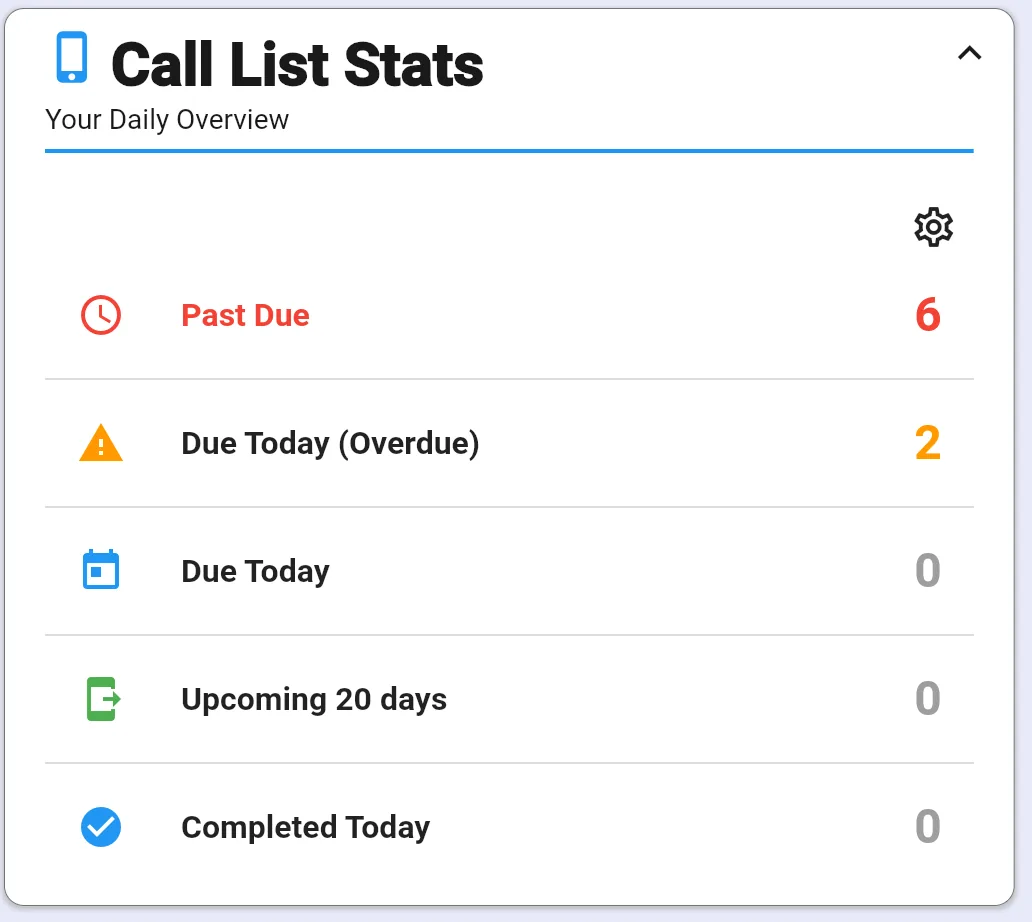
Daily Operations
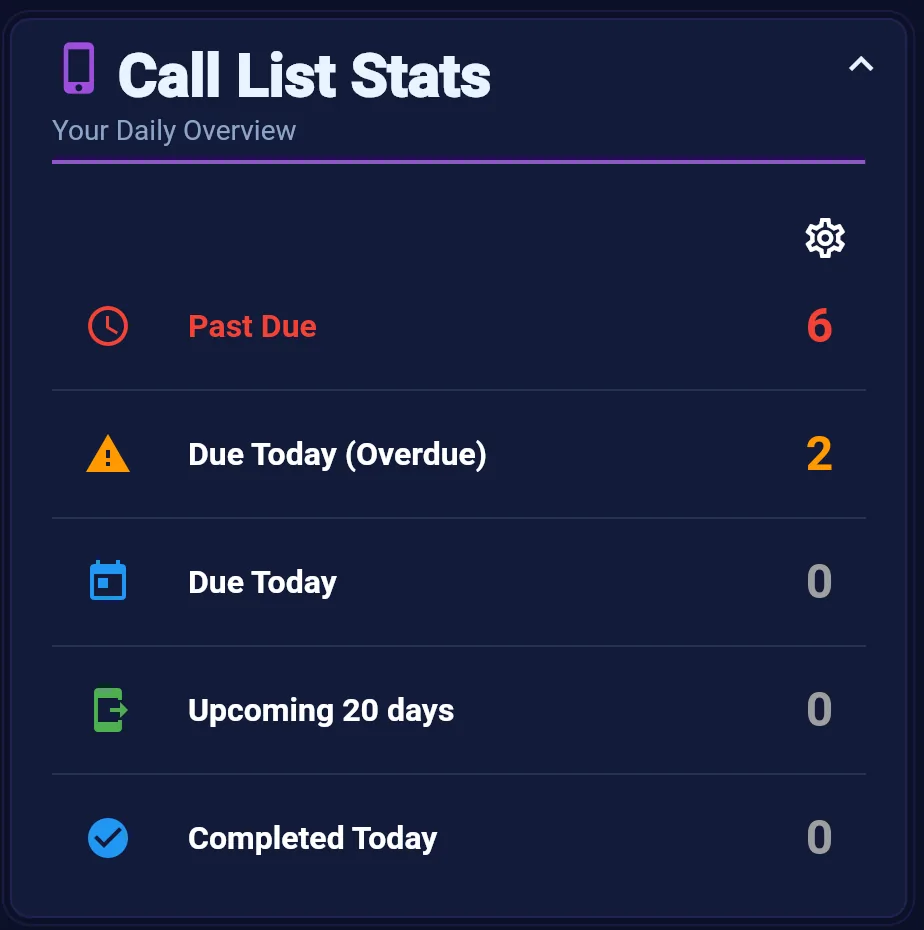
Call List Stats
Monitor overdue, due today, and upcoming call list items so prospecting and follow-up calls actually get made.
Learn more →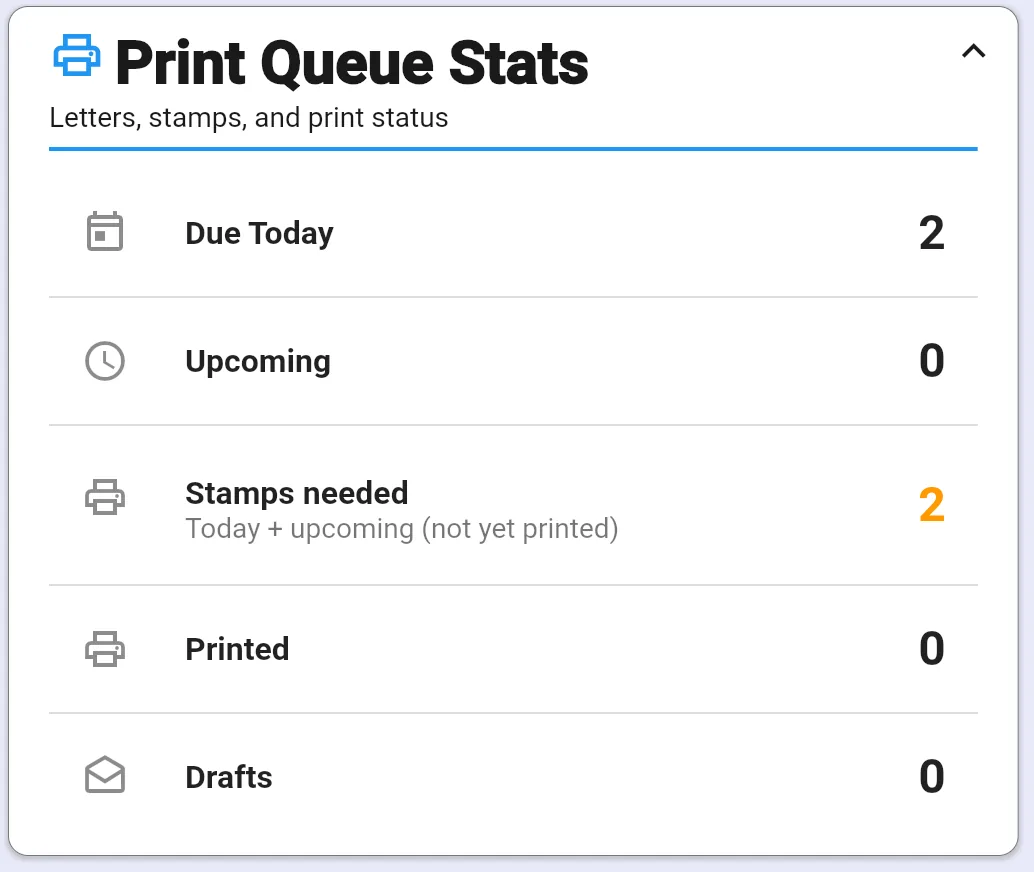
Daily Operations
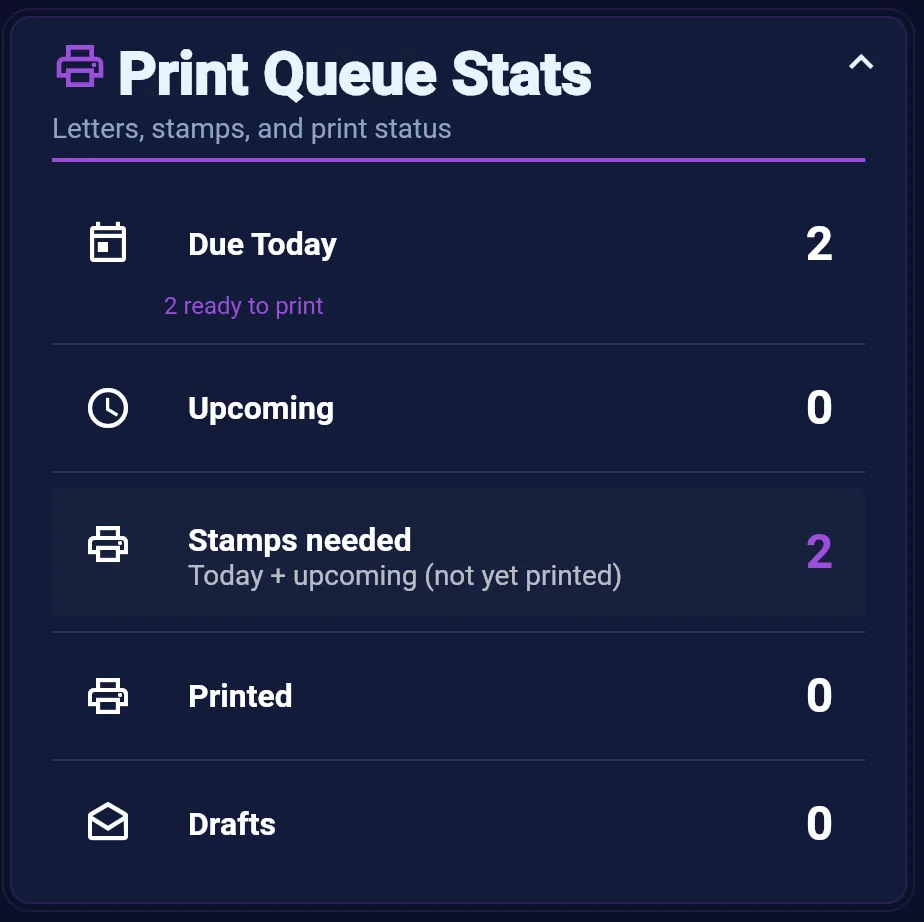
Print Queue Stats
Track handwritten letters, print jobs, drafts, and stamp inventory so offline touches leave on time.
Learn more →
Contacts & Relationships
Keep your database healthy — segment counts, missed milestones, lead sources, and video engagement on one screen.
Contacts & Relationships
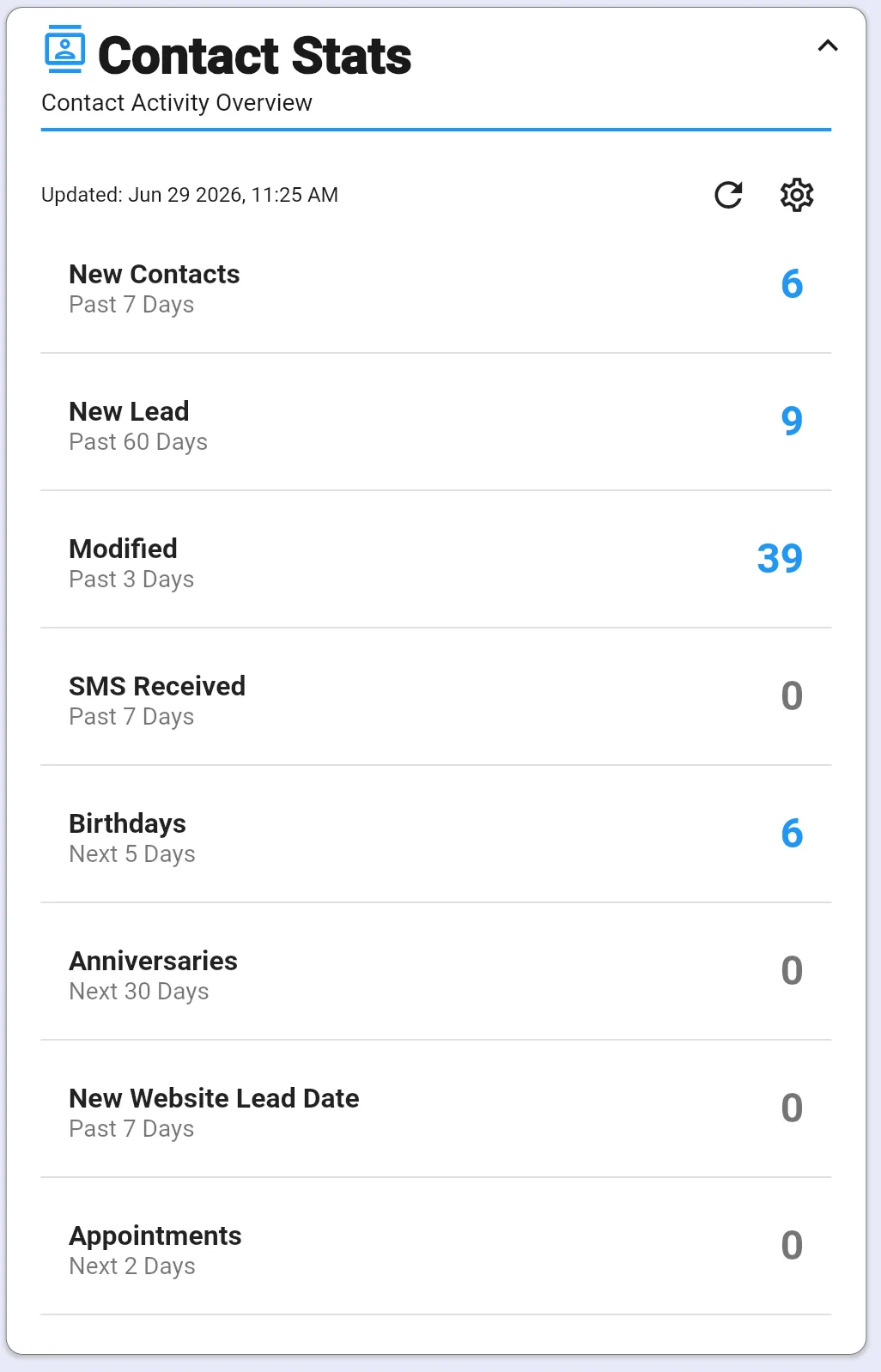
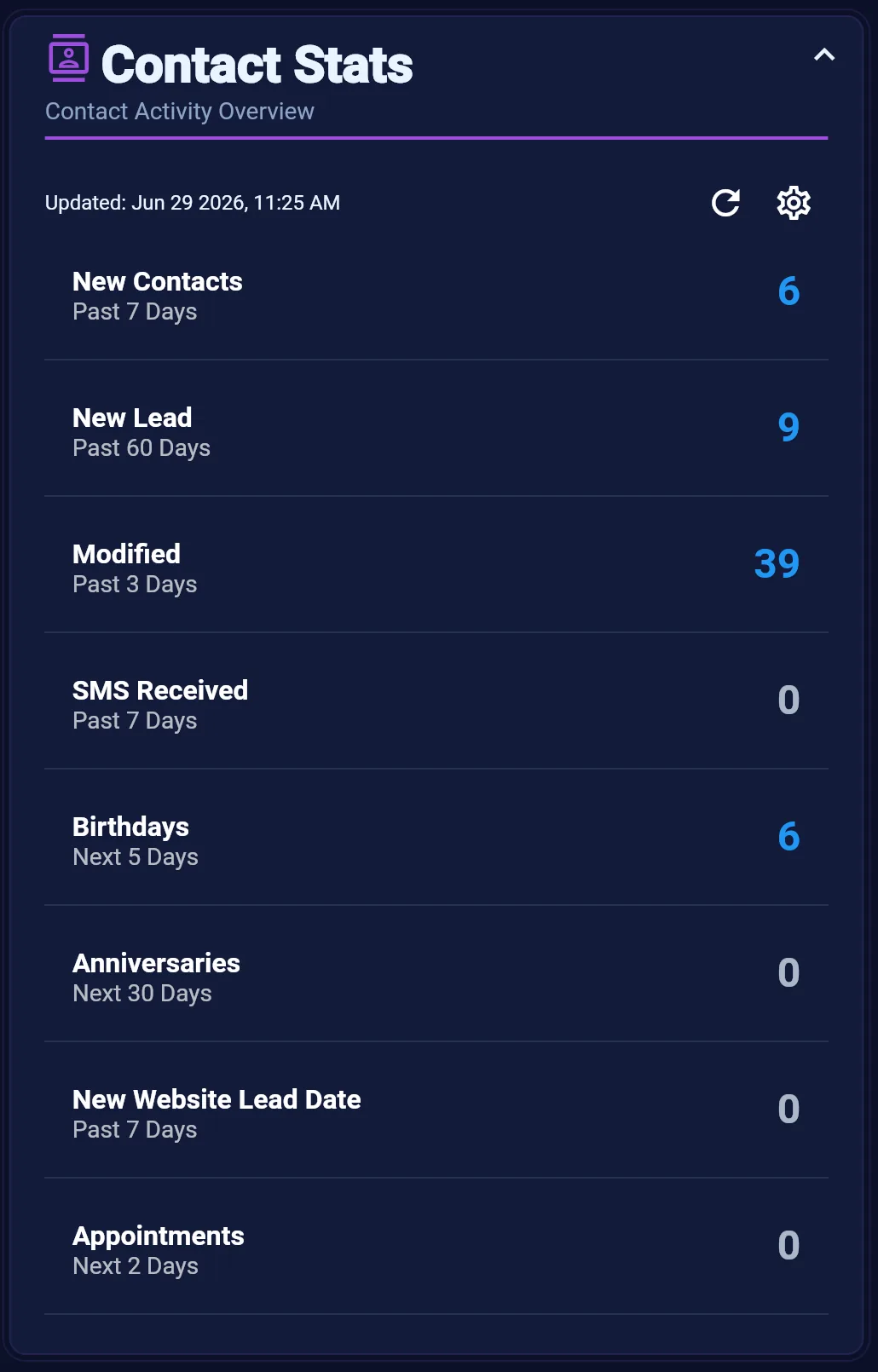
Contact Stats
Configurable counts of contacts by date fields, tags, and pipeline stages — your database health at a glance.
Learn more →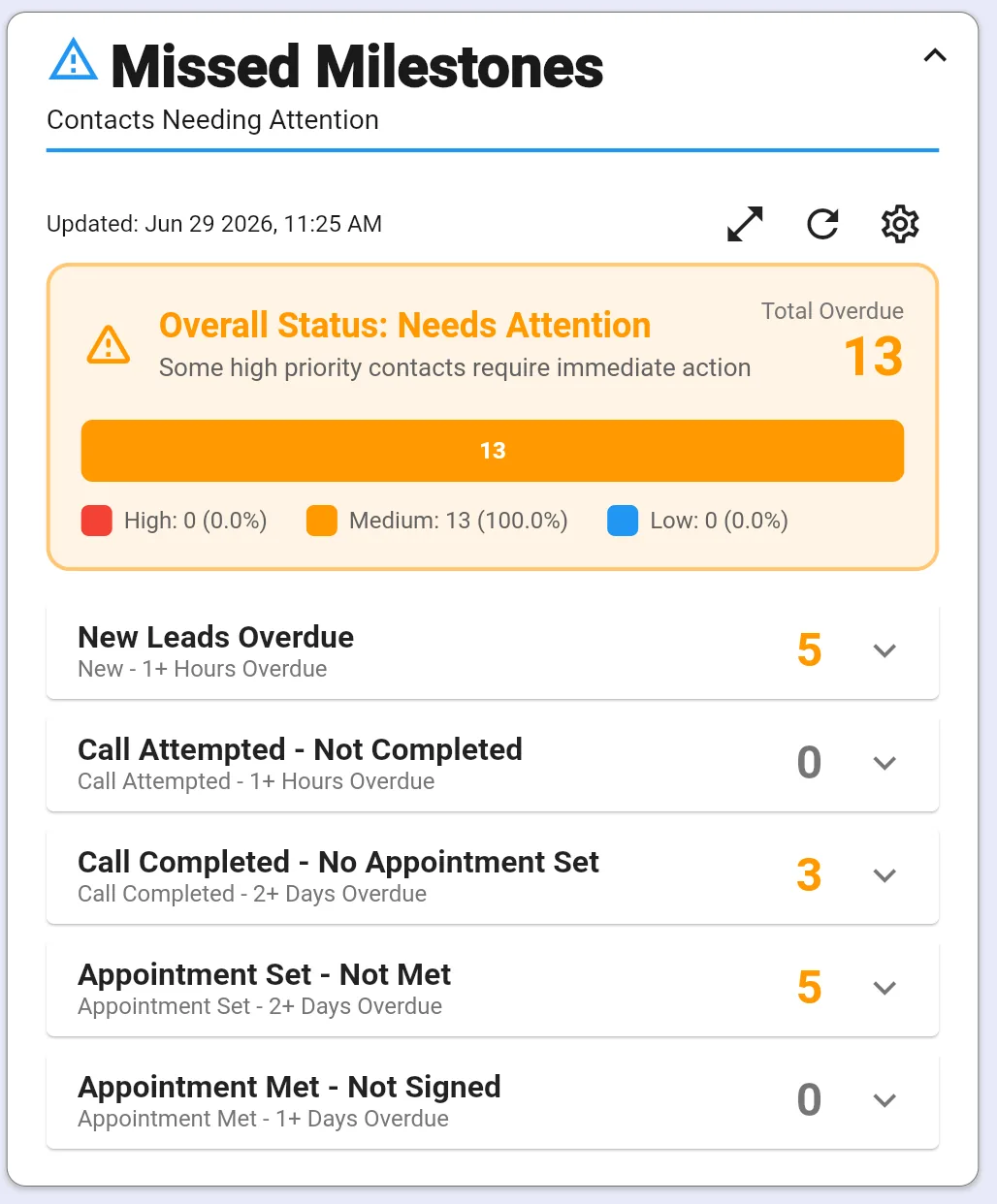
Contacts & Relationships
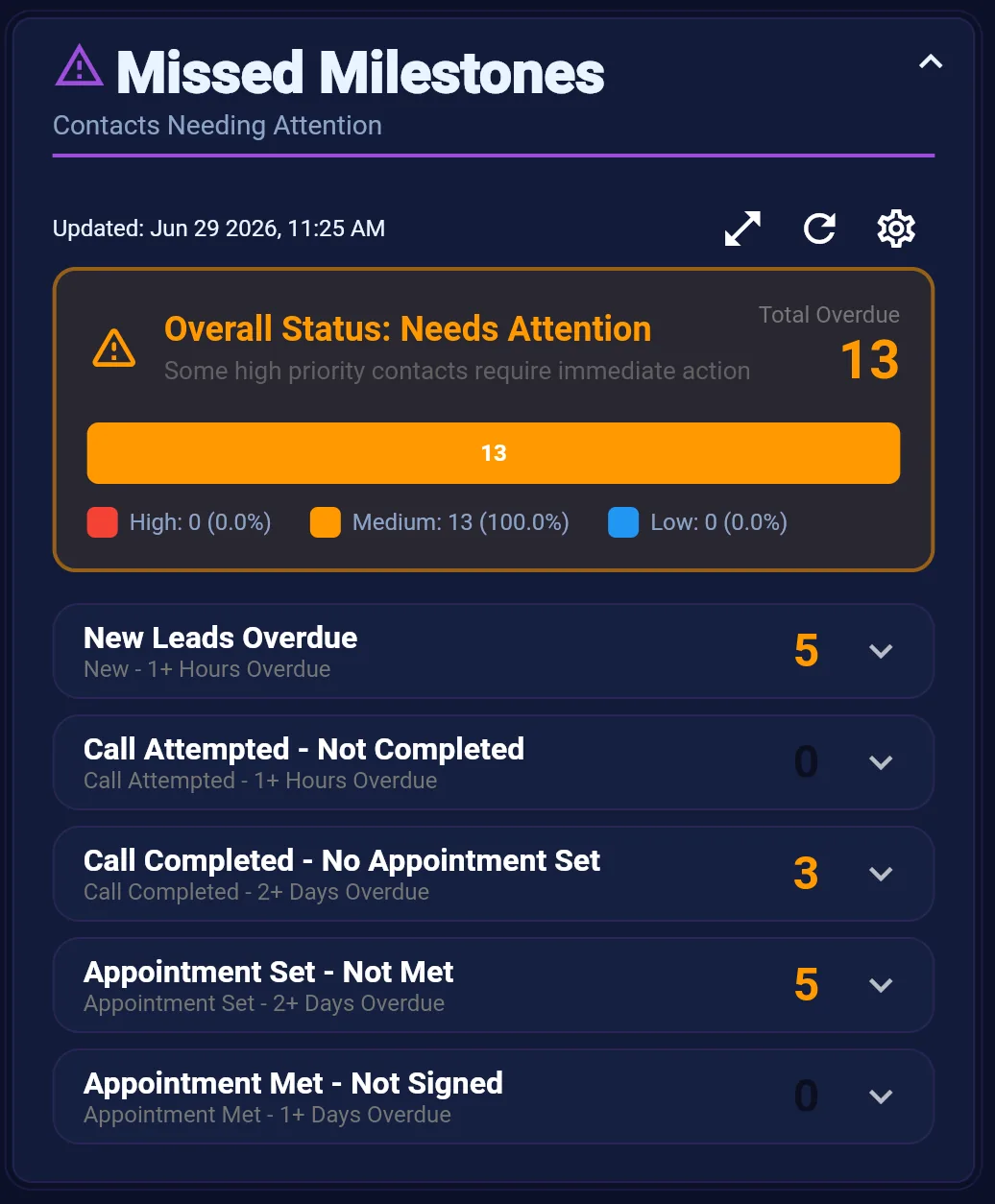
Missed Milestones
Surface contacts whose relationship milestones are overdue — with priority scoring and AI-assisted outreach guidance.
Learn more →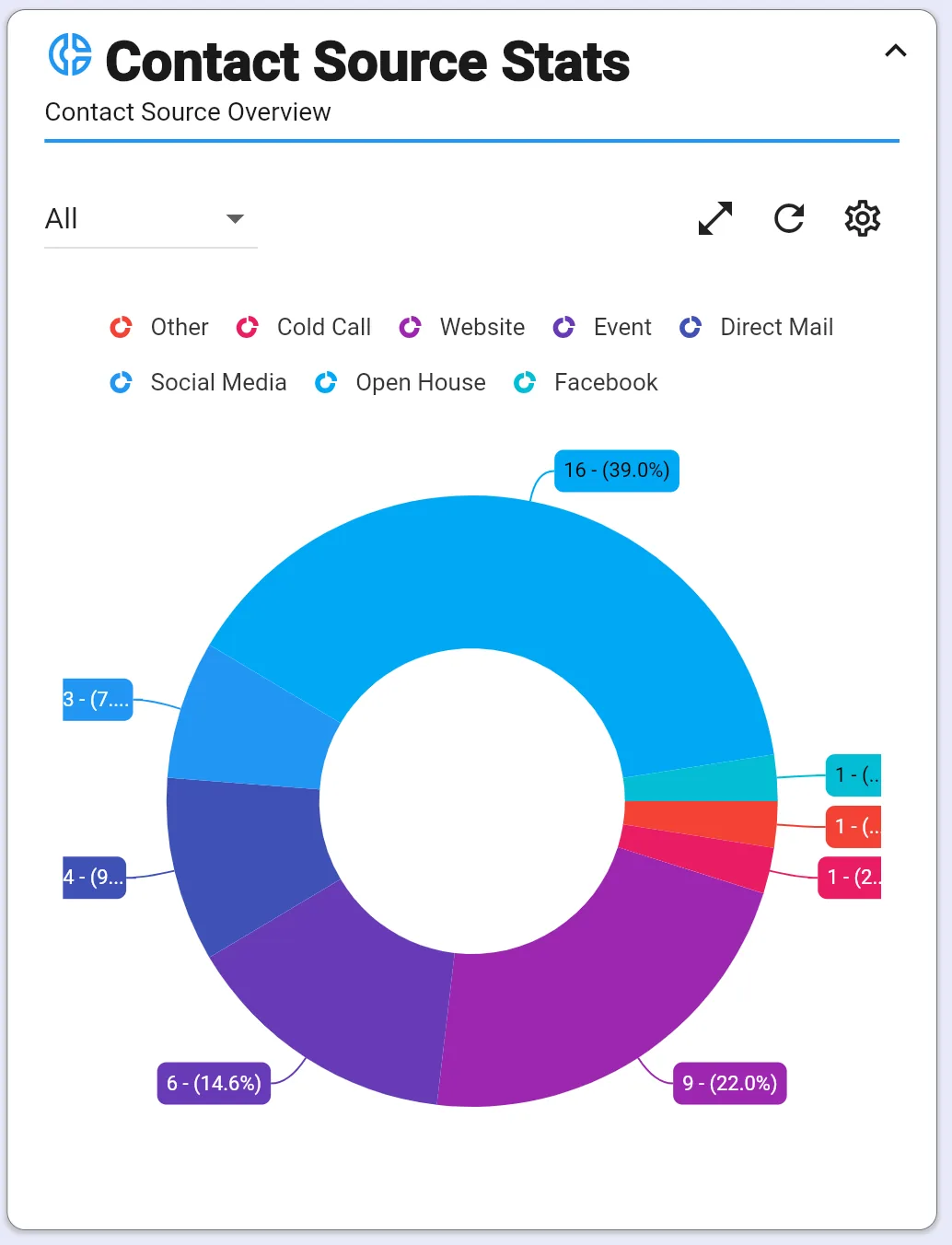
Contacts & Relationships
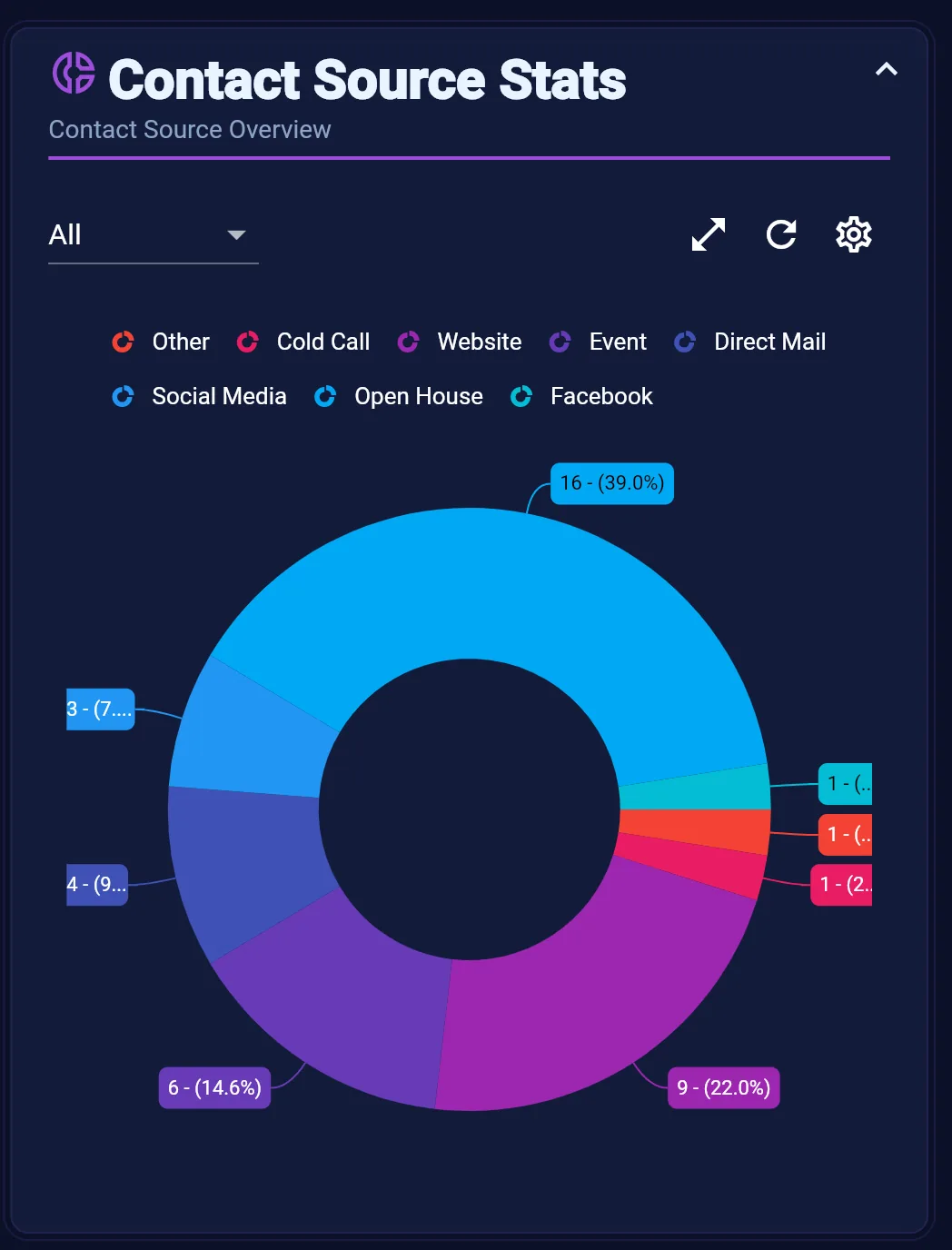
Contact Source Stats
See where your contacts come from — lead sources, imports, and channels — with trends that inform marketing spend.
Learn more →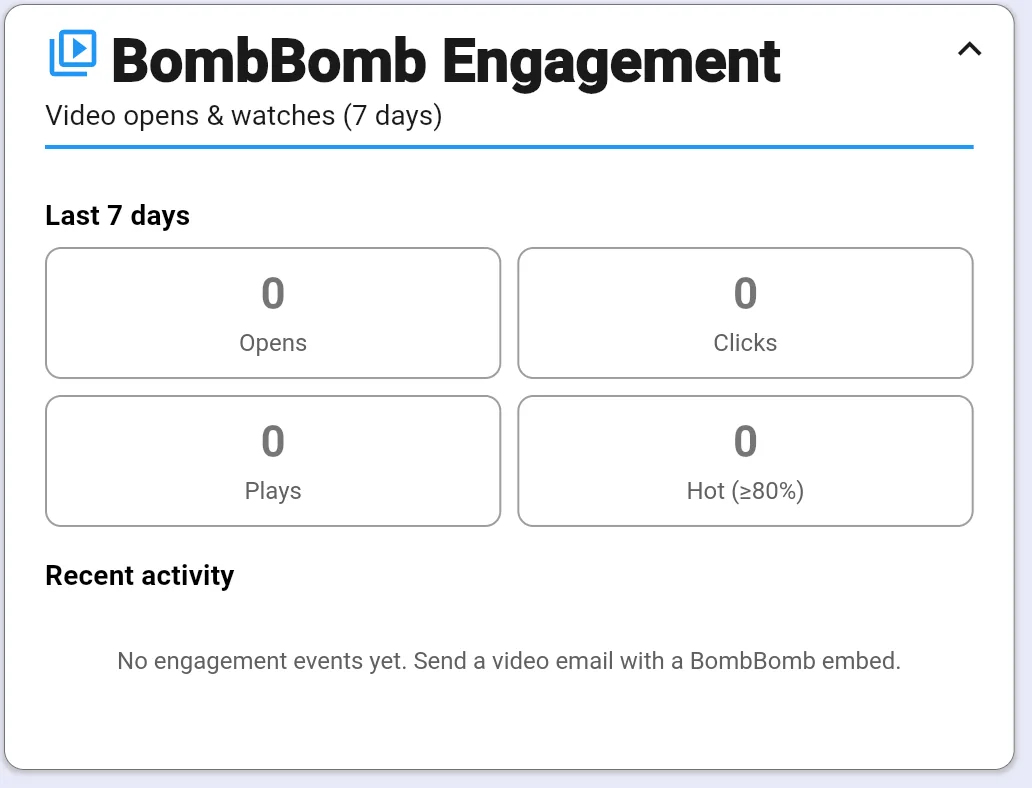
Contacts & Relationships
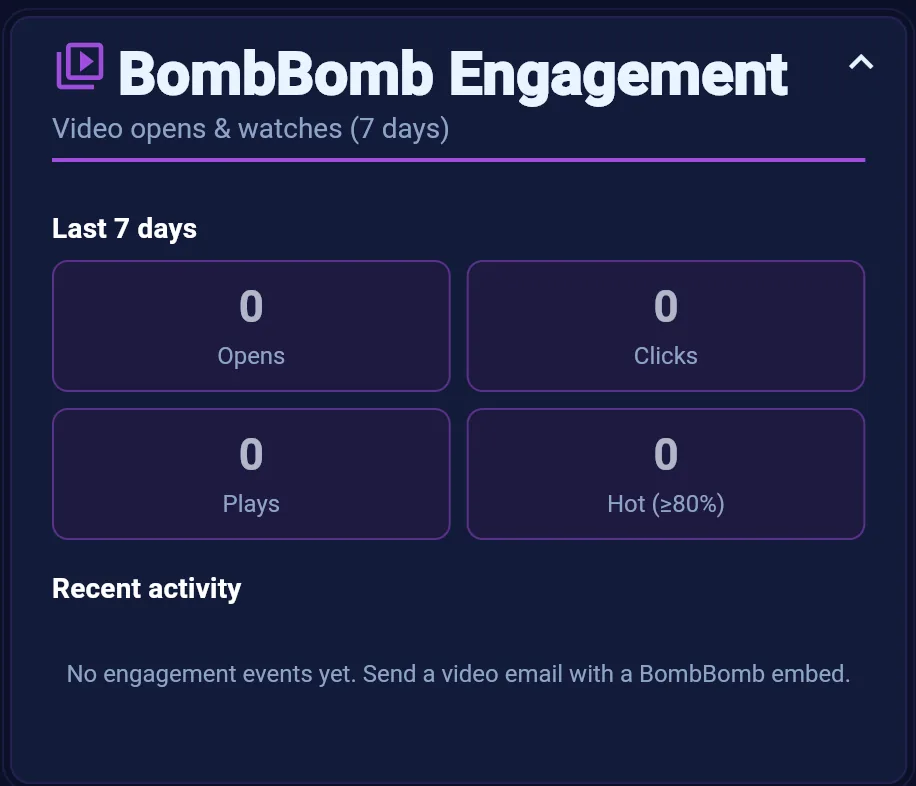
BombBomb Engagement
Track video opens and watch activity from BombBomb sends over the last seven days — see who is engaging.
Learn more →
Lead Capture & Client Experience
Measure what happens after someone raises their hand — form submissions, satisfaction ratings, and assessment insights.
Lead Capture & Client Experience
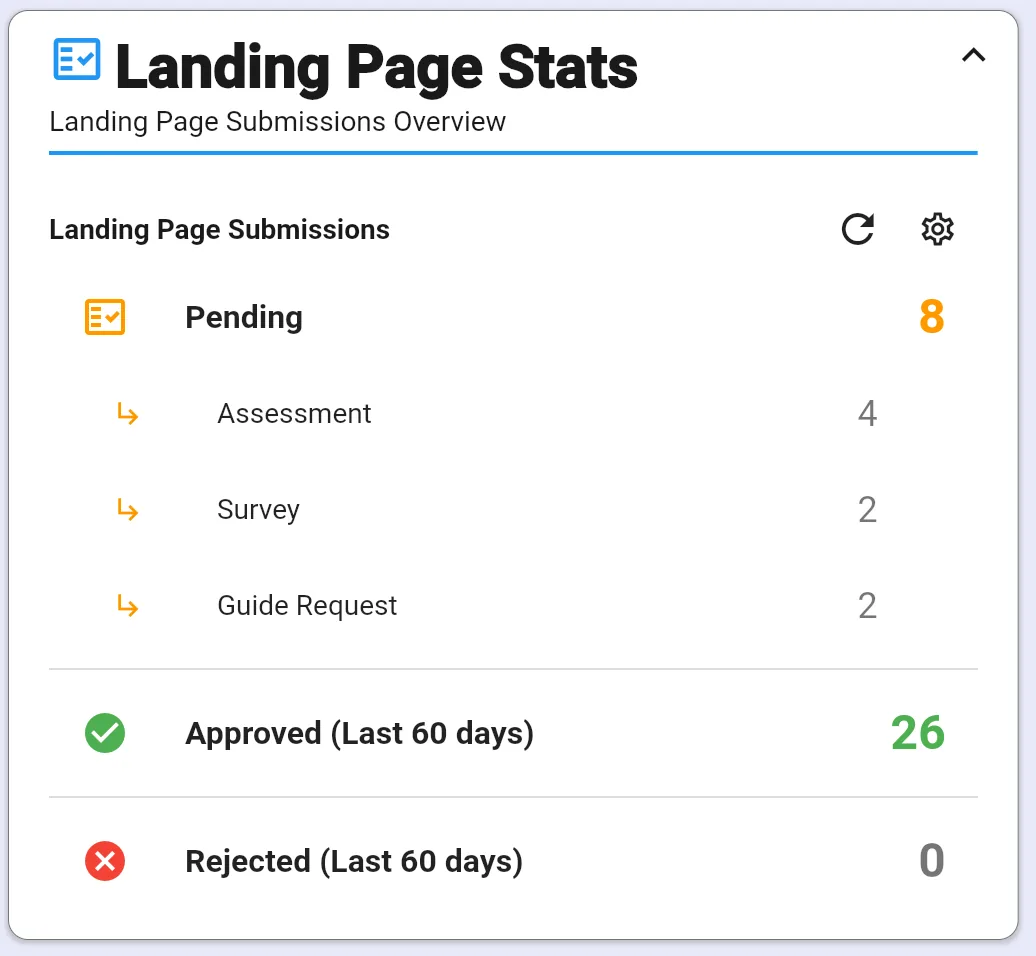
Landing Page Stats
Monitor landing page submissions, pending approvals, and form activity so new leads never sit unnoticed.
Learn more →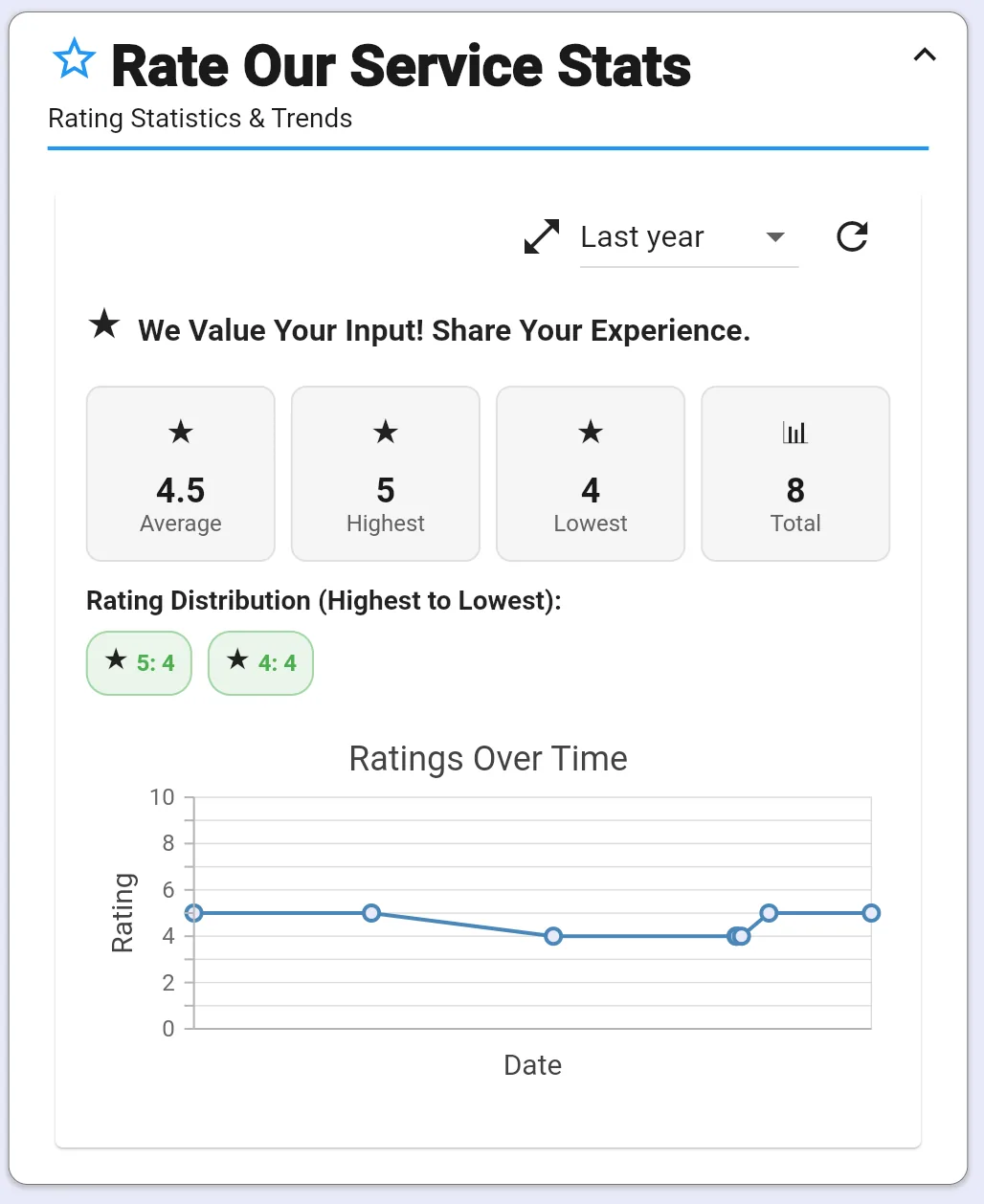
Lead Capture & Client Experience
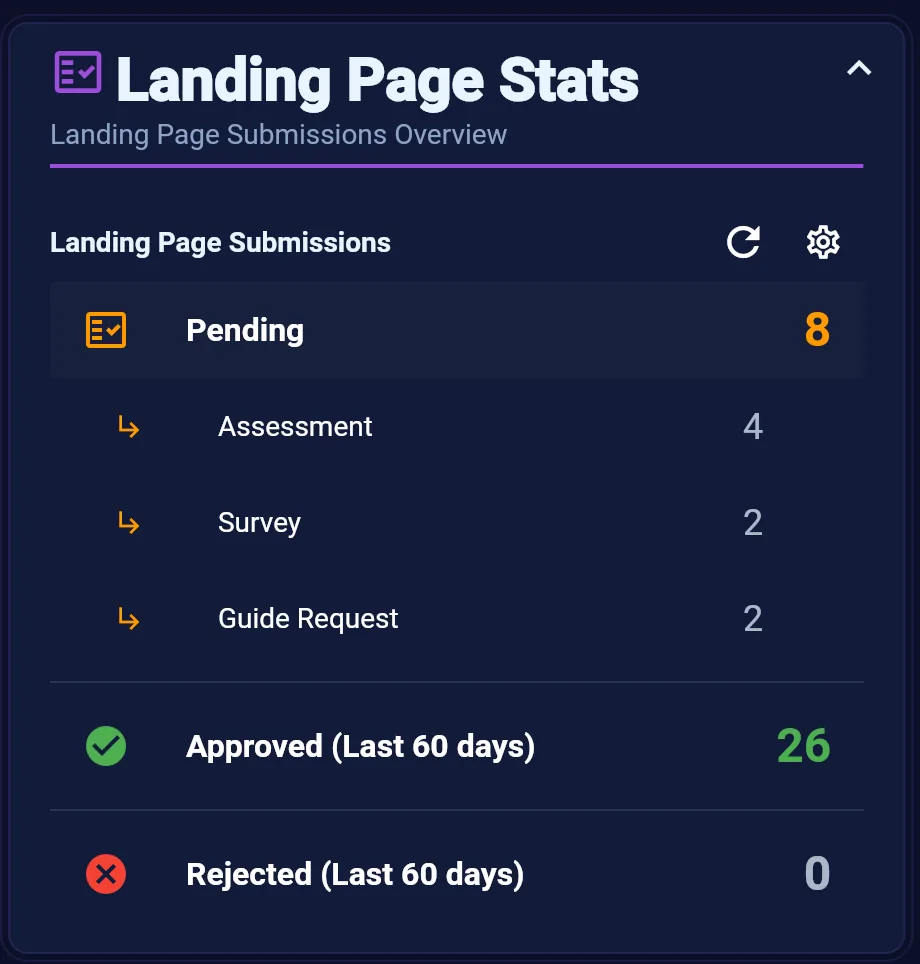
Rate Our Service Stats
Track client satisfaction ratings and trends from your Rate Our Service feedback pages.
Learn more →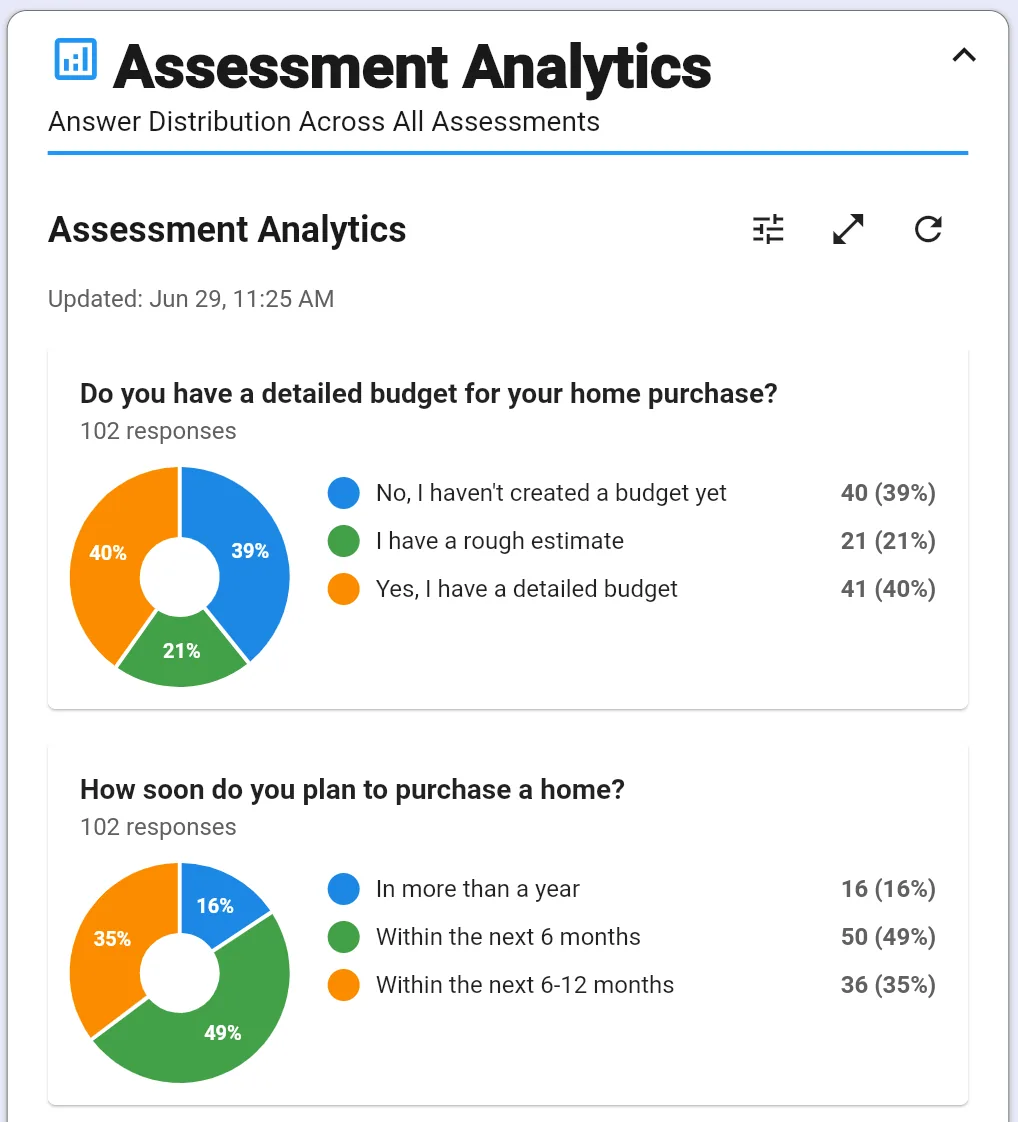
Lead Capture & Client Experience
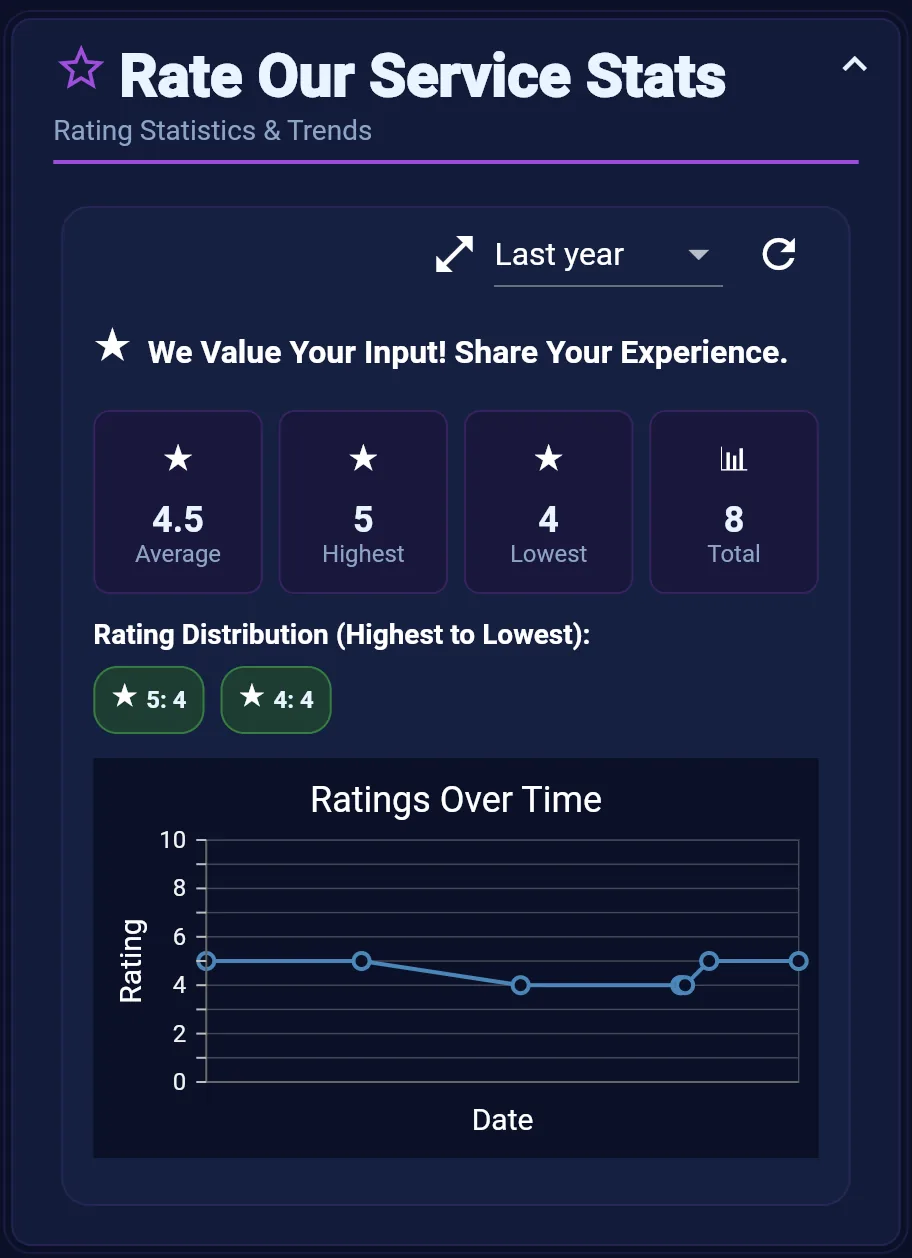
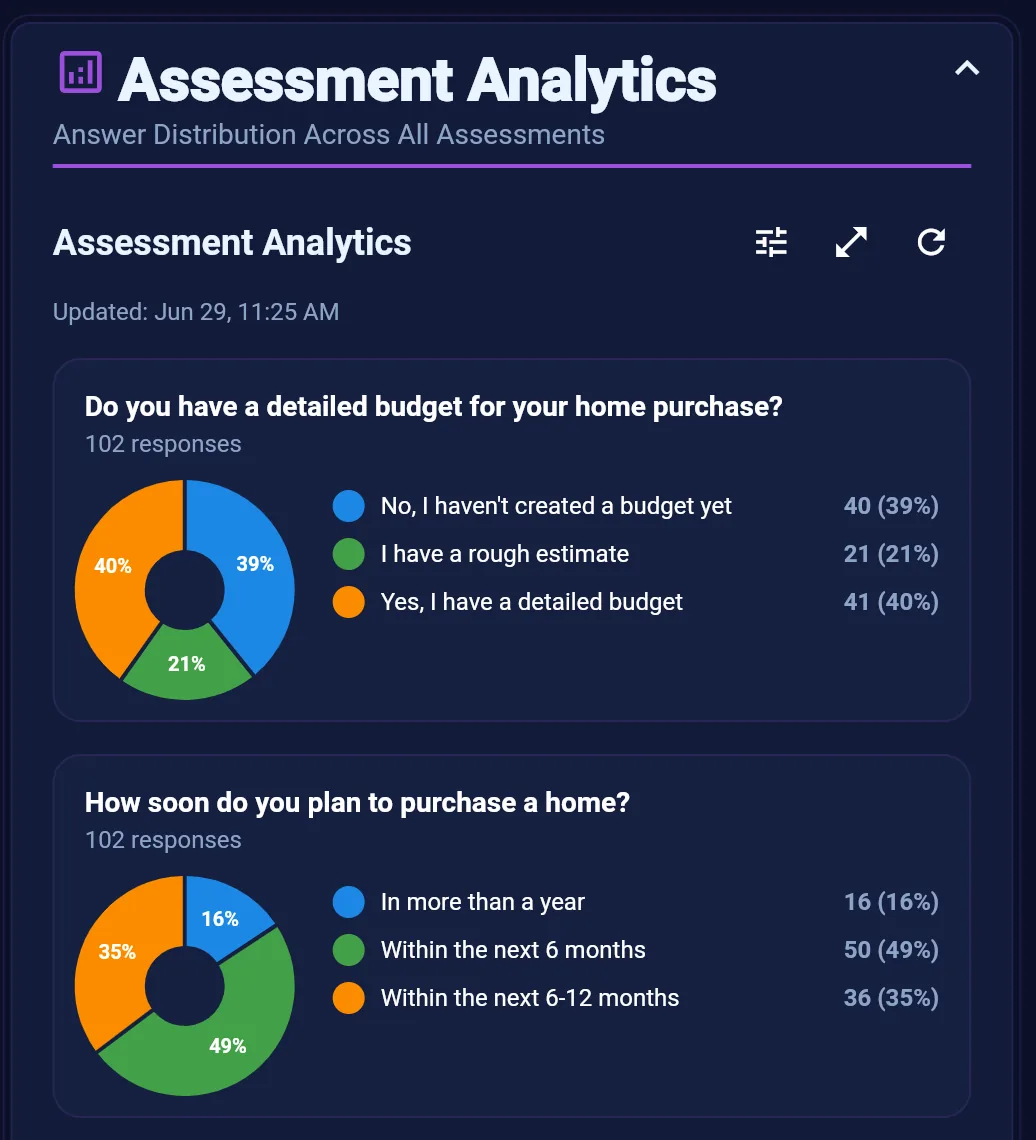
Assessment Analytics
Analyze answer distributions across buyer, seller, and custom assessments to understand lead intent at scale.
Learn more →
Listings, Showings & Pipeline
Protect deals in motion — prioritized showings, pipeline outreach, active transactions, and repair negotiations.
Listings, Showings & Pipeline
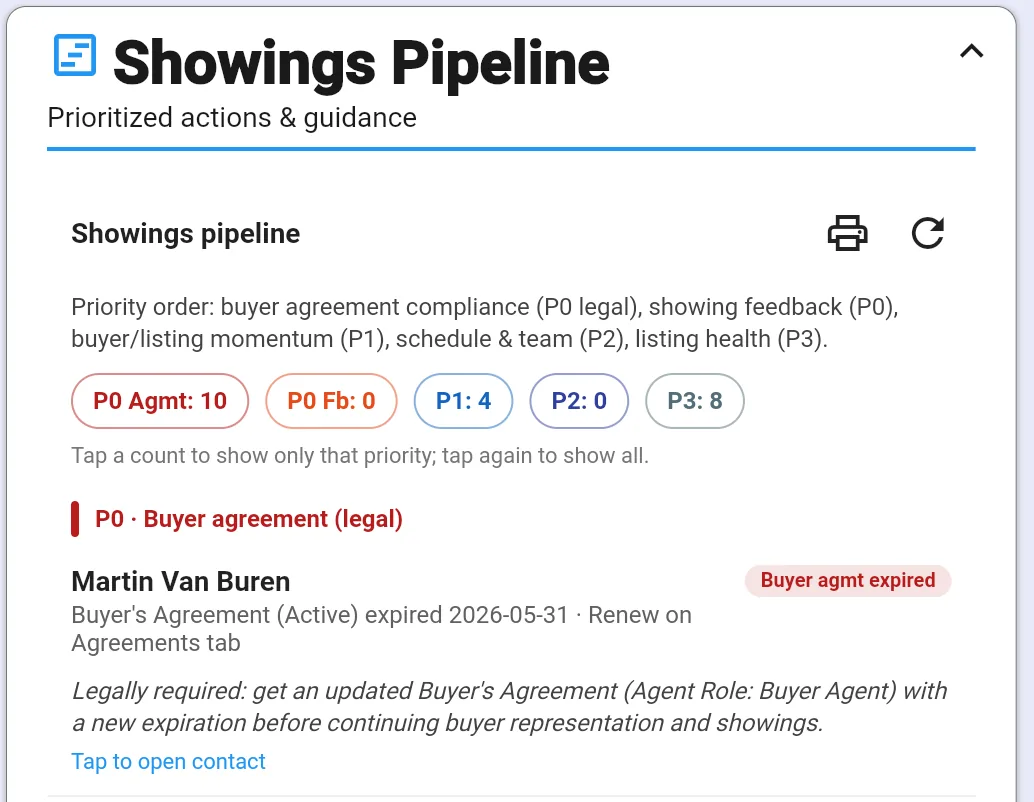
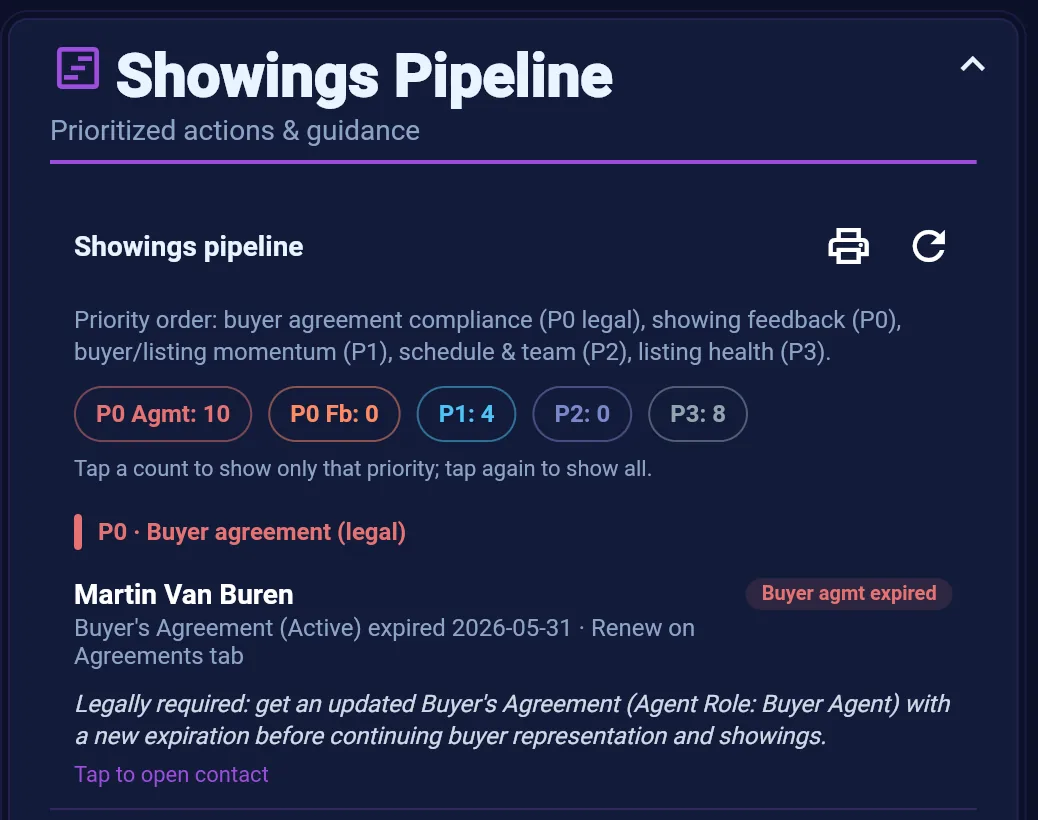
Showings Pipeline
Prioritized buyer and showing actions — agreements, feedback, momentum, scheduling, and listing health in one command center.
Learn more →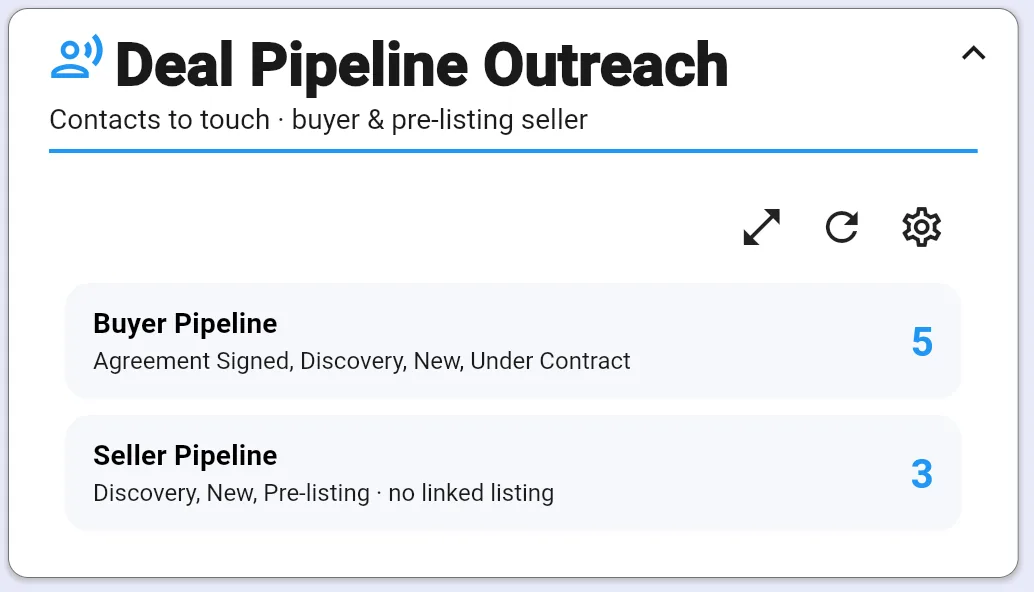
Listings, Showings & Pipeline
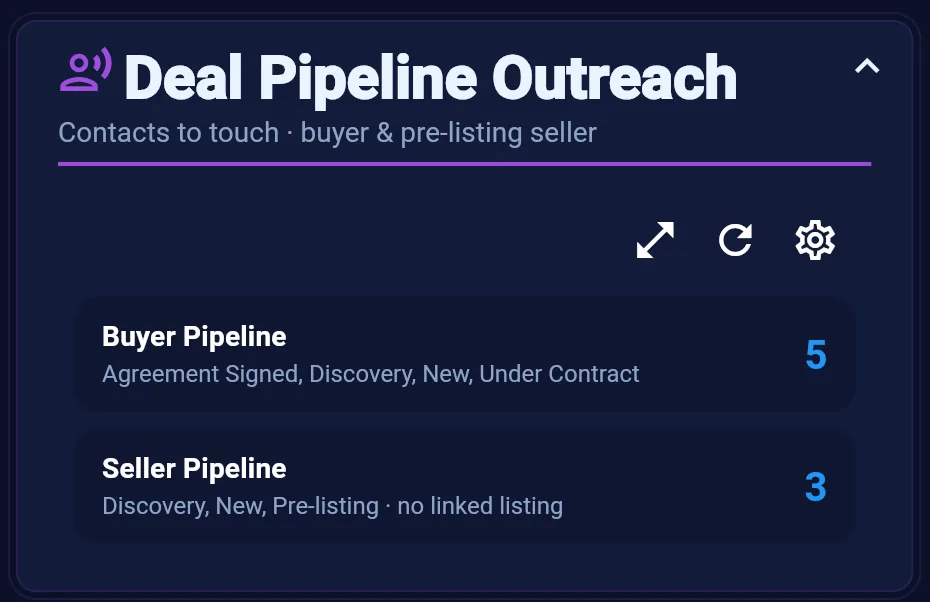
Deal Pipeline Outreach
Contacts in active buyer and pre-listing seller stages who need a touch — sorted oldest-first so nothing stalls.
Learn more →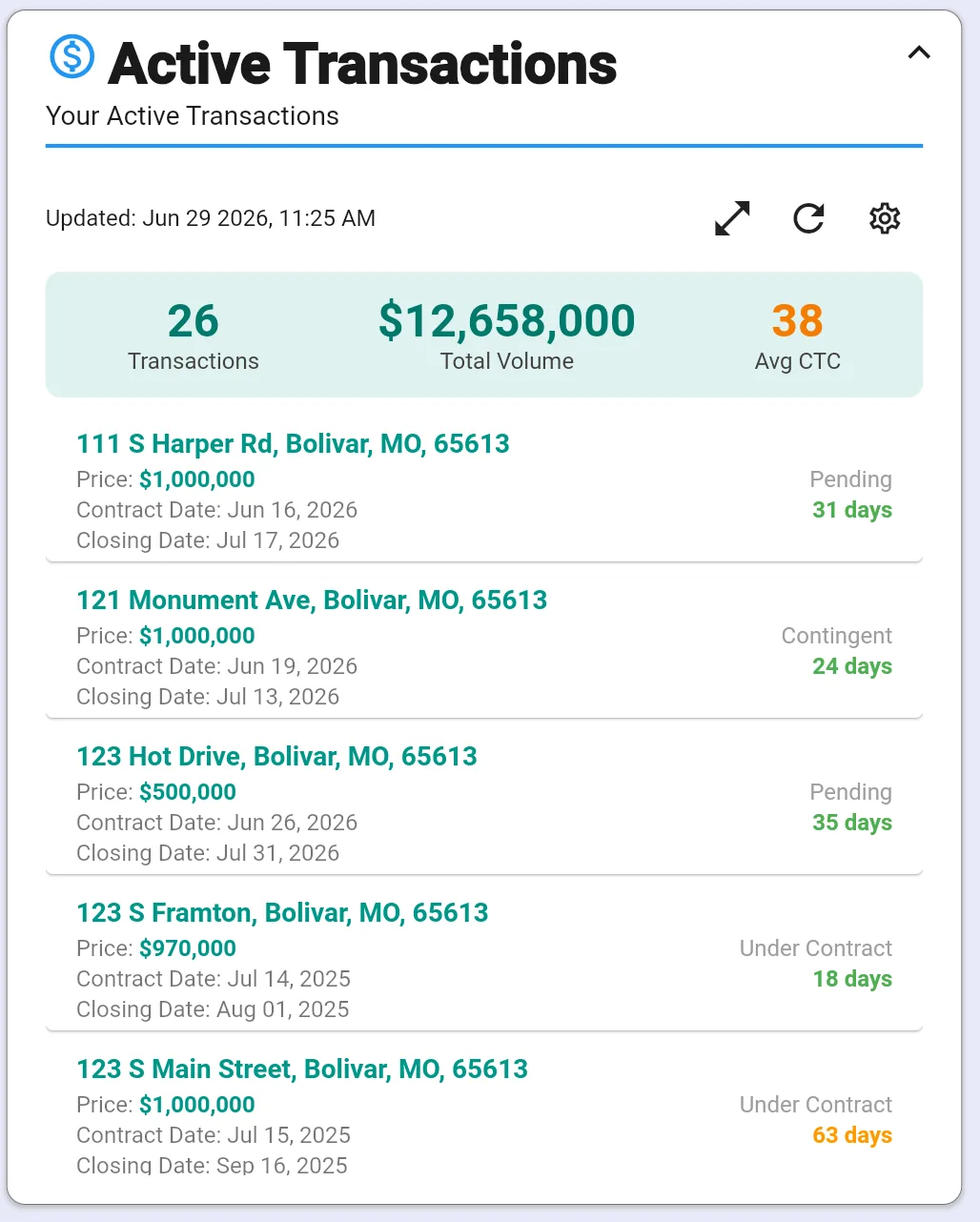
Listings, Showings & Pipeline
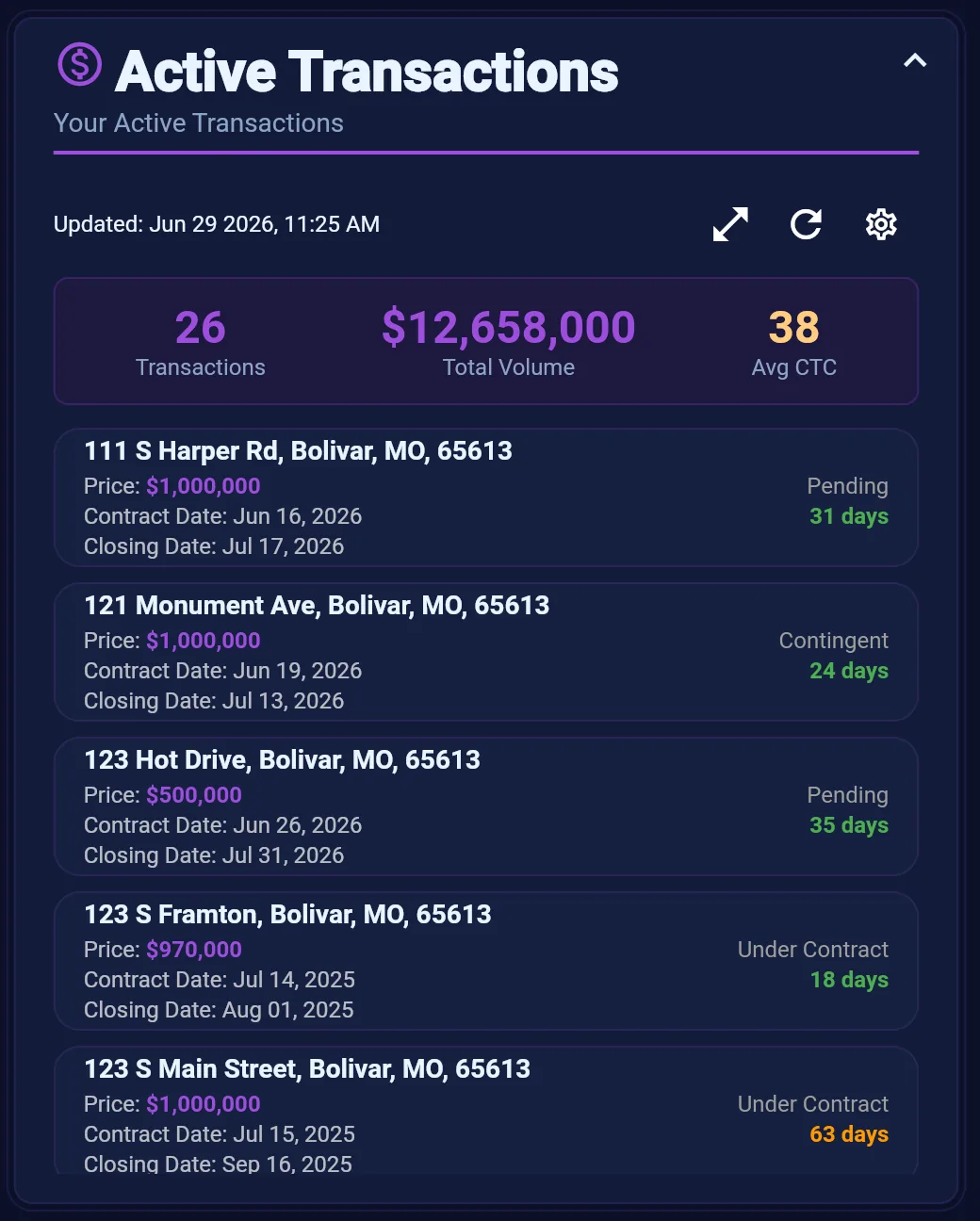
Active Transactions
Your active deals at a glance — status, key dates, and milestones so nothing slips on the path to close.
Learn more →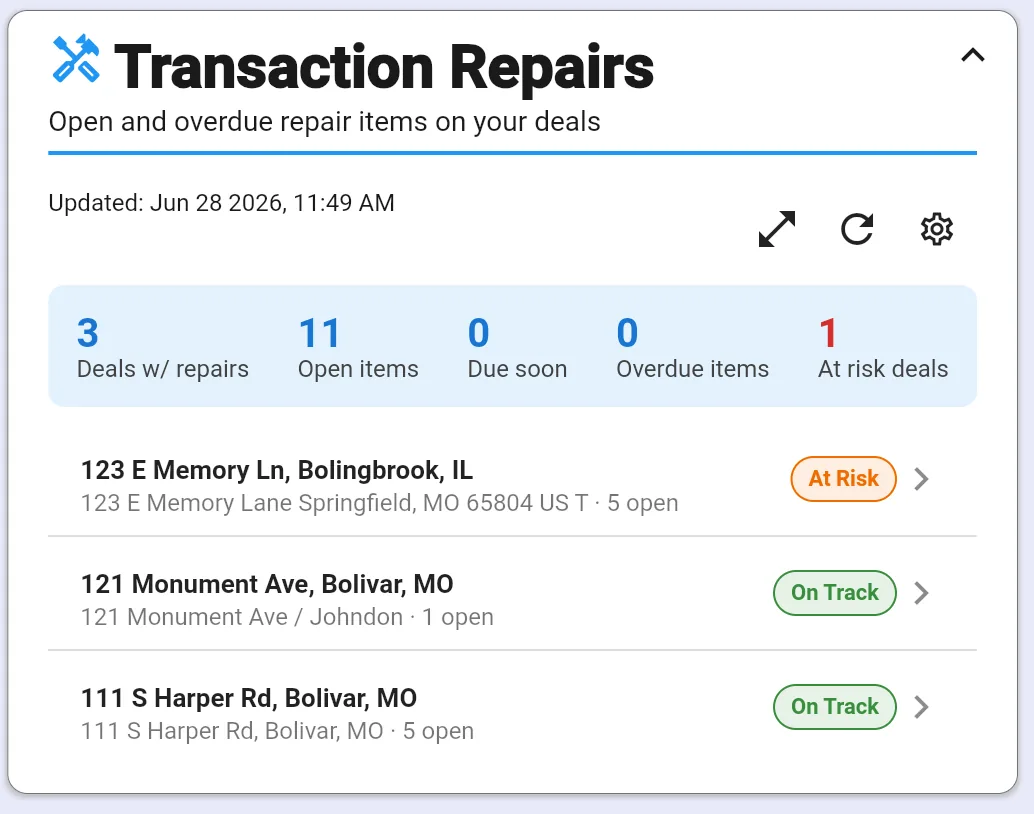
Listings, Showings & Pipeline
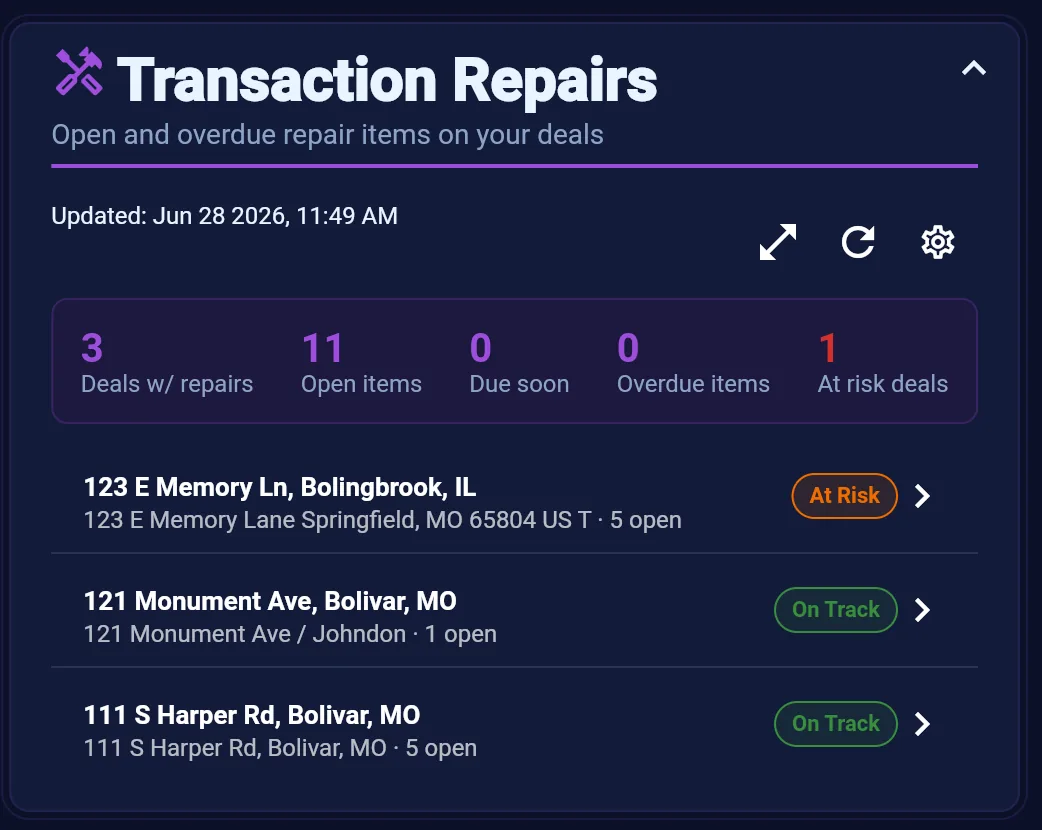
Transaction Repairs
Open and overdue repair and inspection items across your deals — so negotiation deadlines do not surprise you.
Learn more →
Compliance
Agent checklist completion and broker approval queues — compliance visible before it blocks a closing.
Compliance
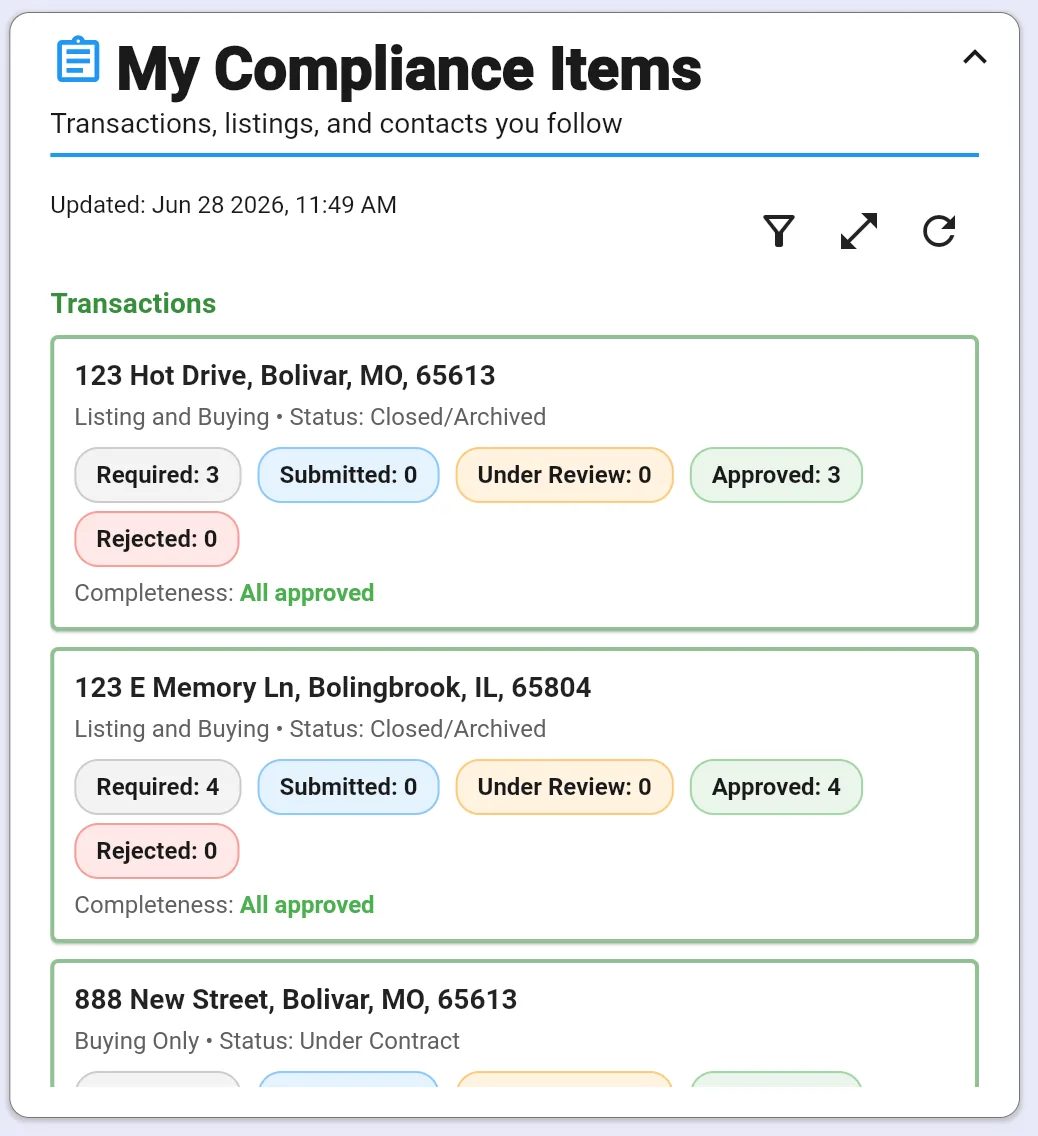
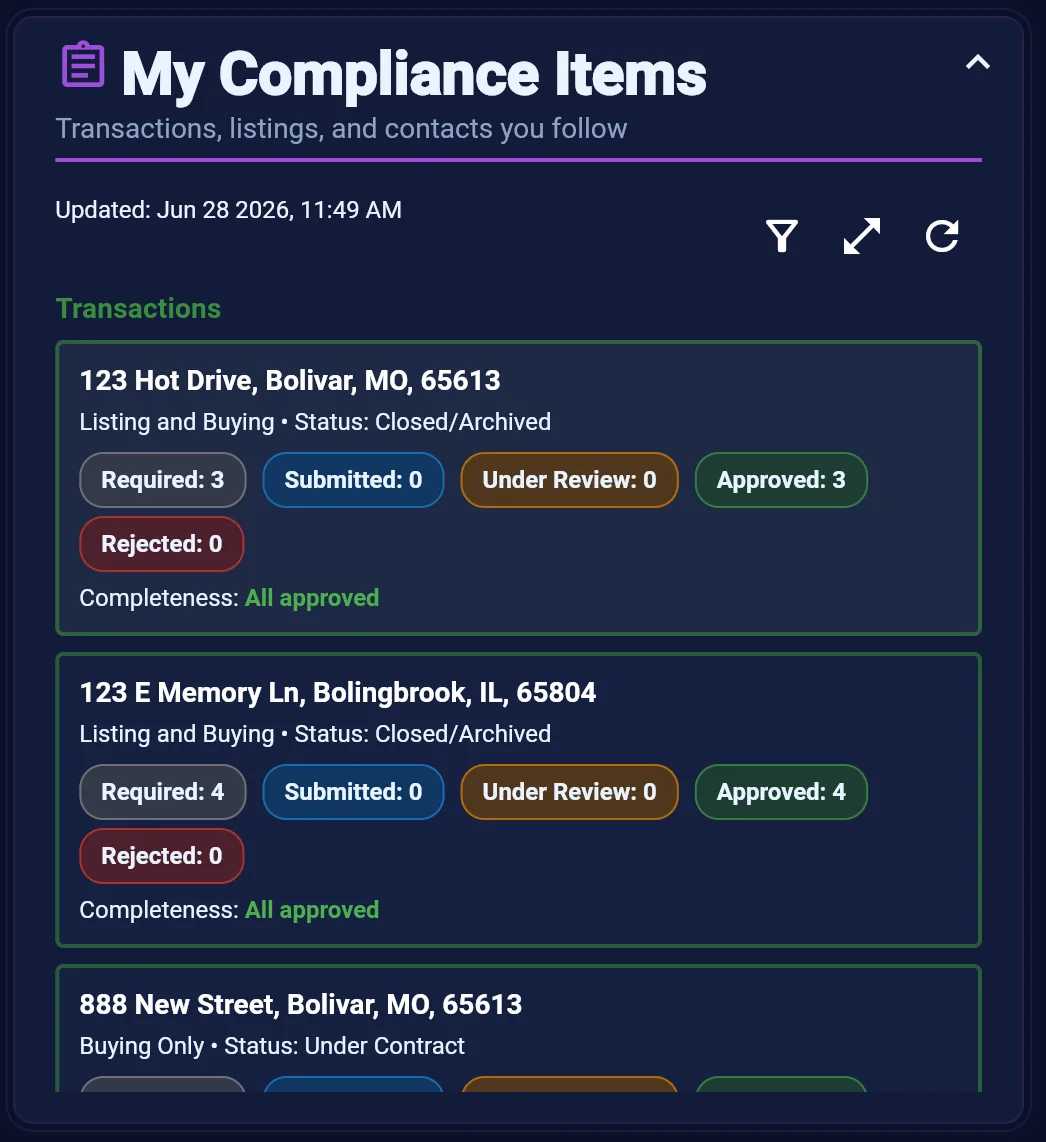
My Compliance Items
Your open compliance tasks across transactions, listings, and contacts — so brokerage requirements never slip.
Learn more →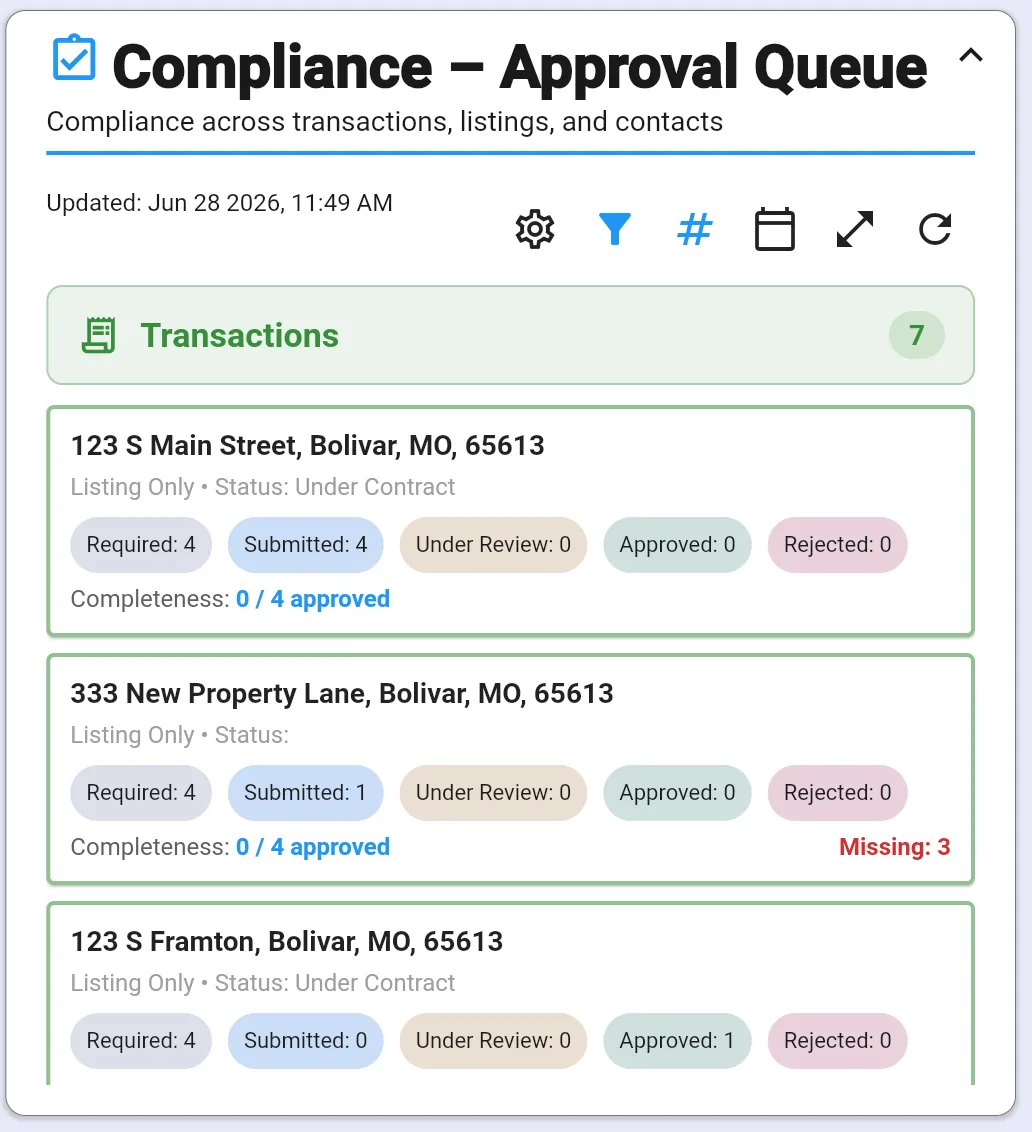
Compliance
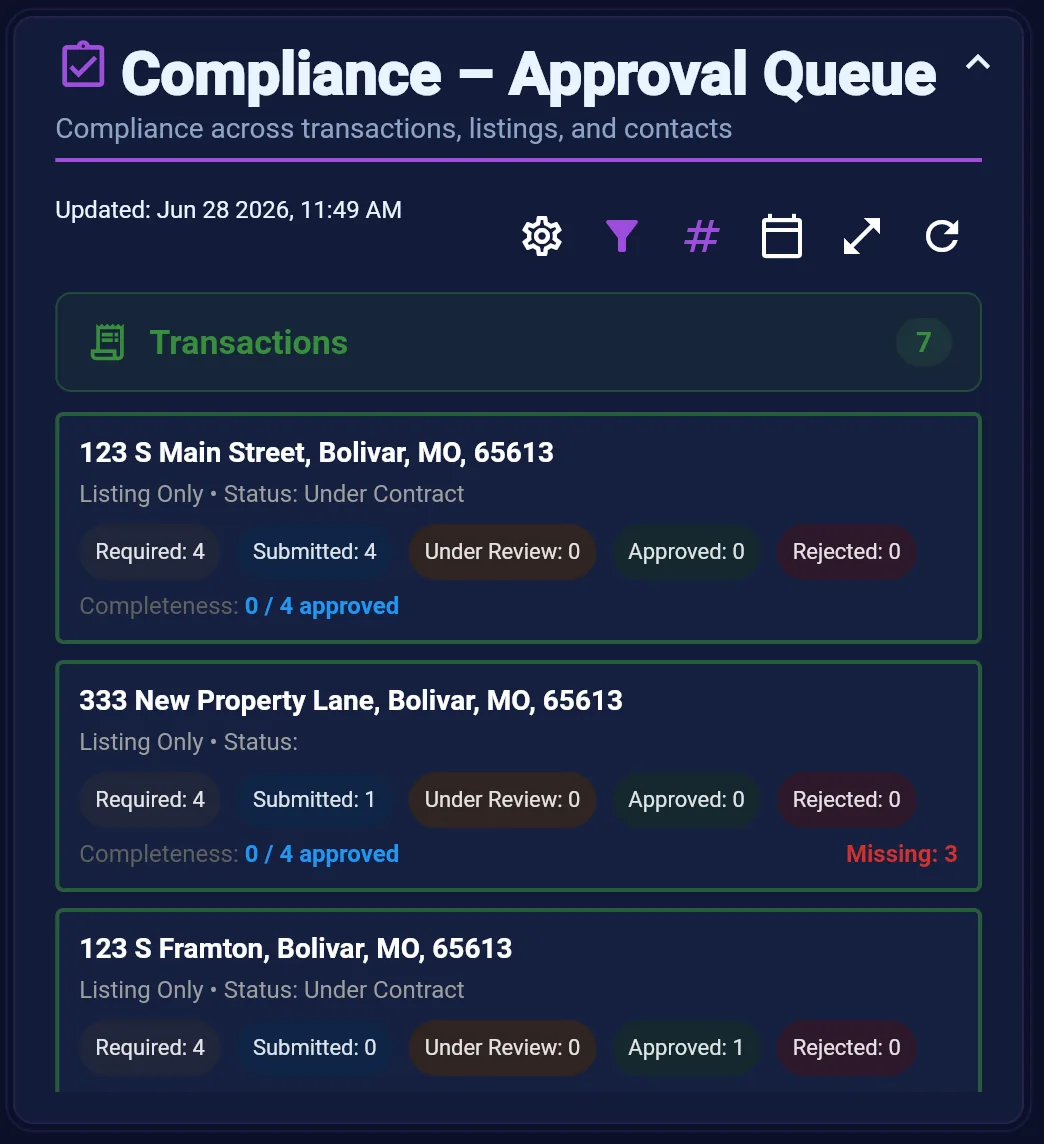
Compliance Approval Queue
Broker and admin view of compliance items awaiting review across transactions, listings, and contacts.
Learn more →
Team & Production
Office-wide production, listings, transactions, and marketing launch status for team leads and brokers.
Team & Production
My Commissions
Your personal year-to-date commission summary — production, goals, and a deeper report when you need detail.
Learn more →Team & Production
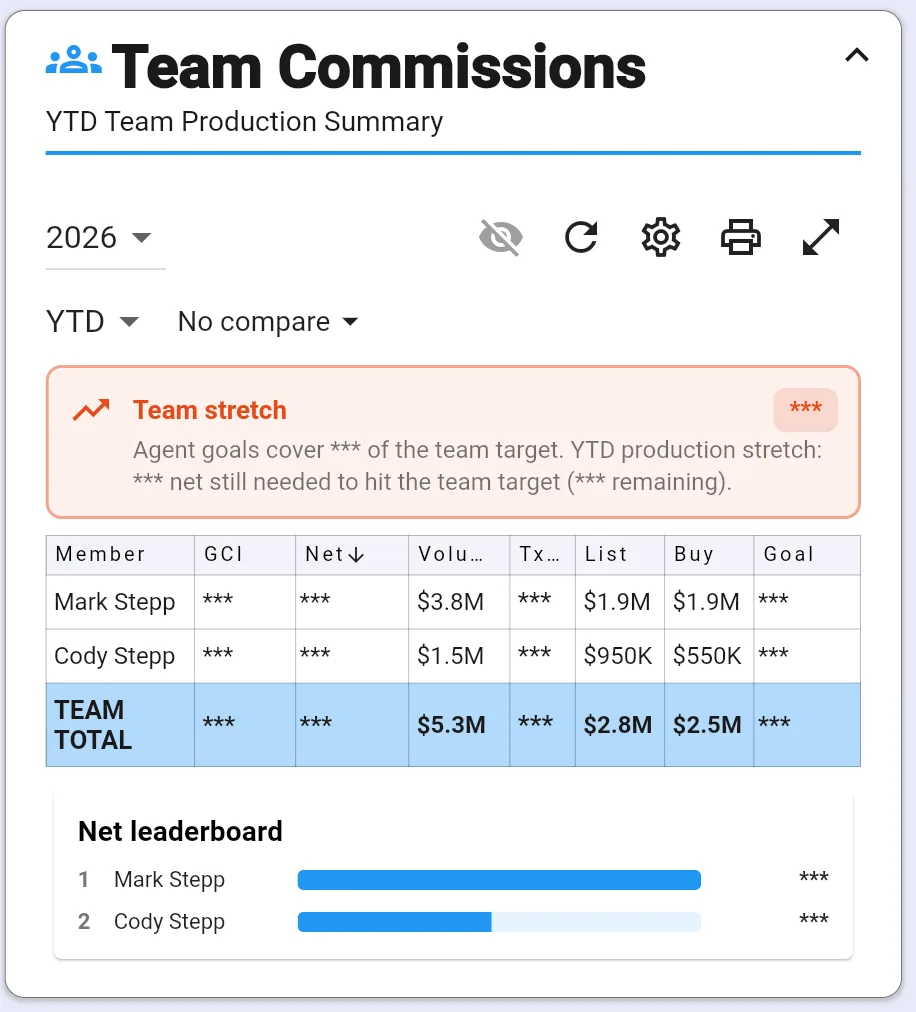
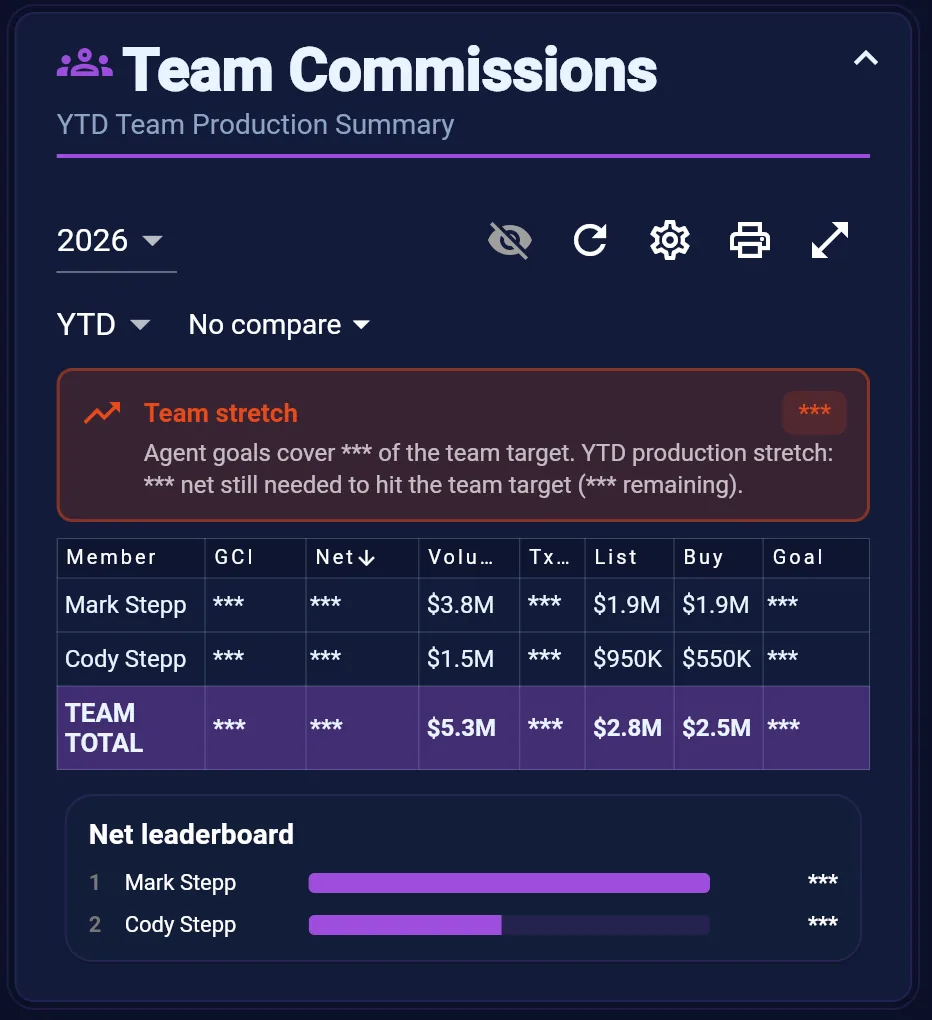
Team Commissions
Year-to-date team production and commission summary — see how the office is tracking against goals.
Learn more →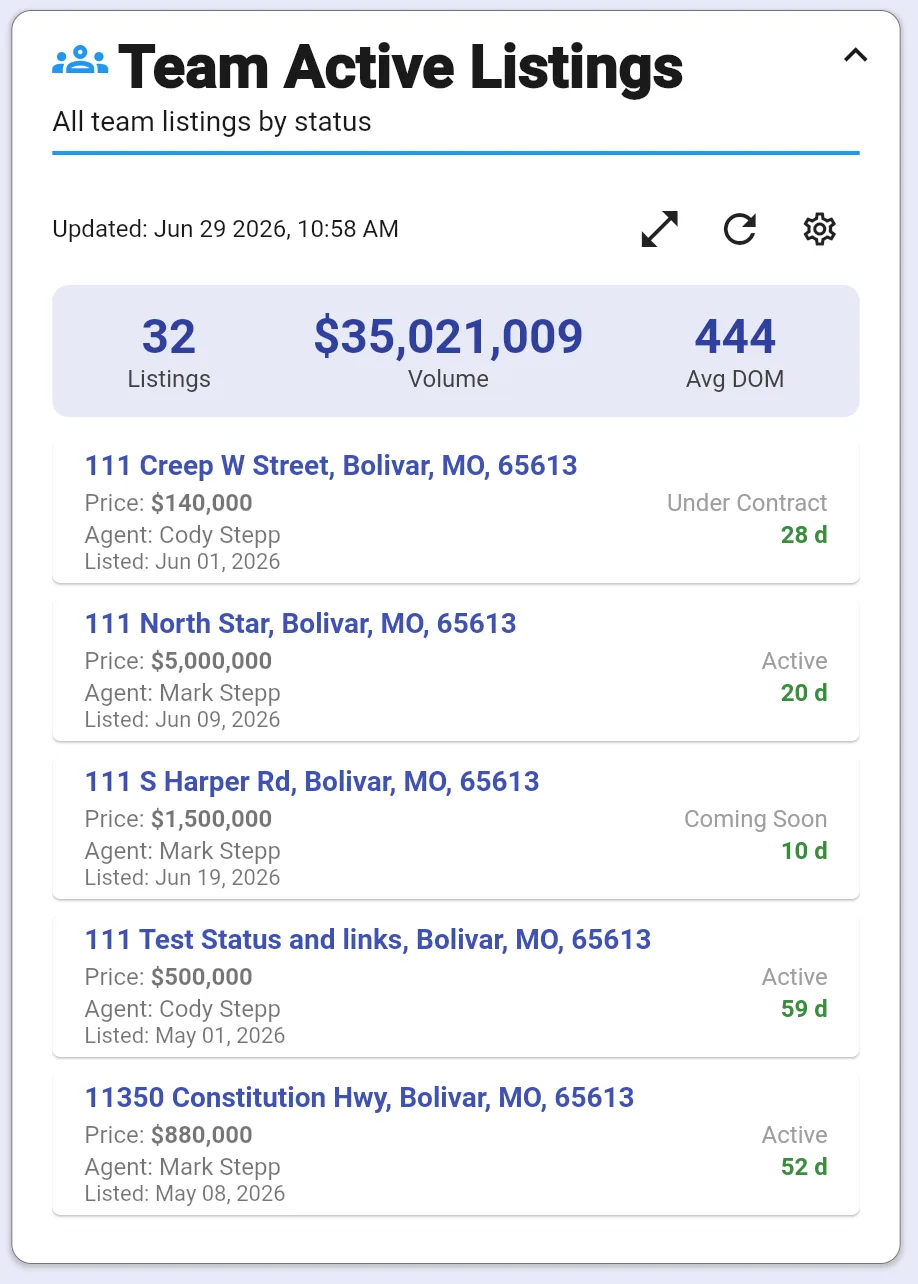
Team & Production
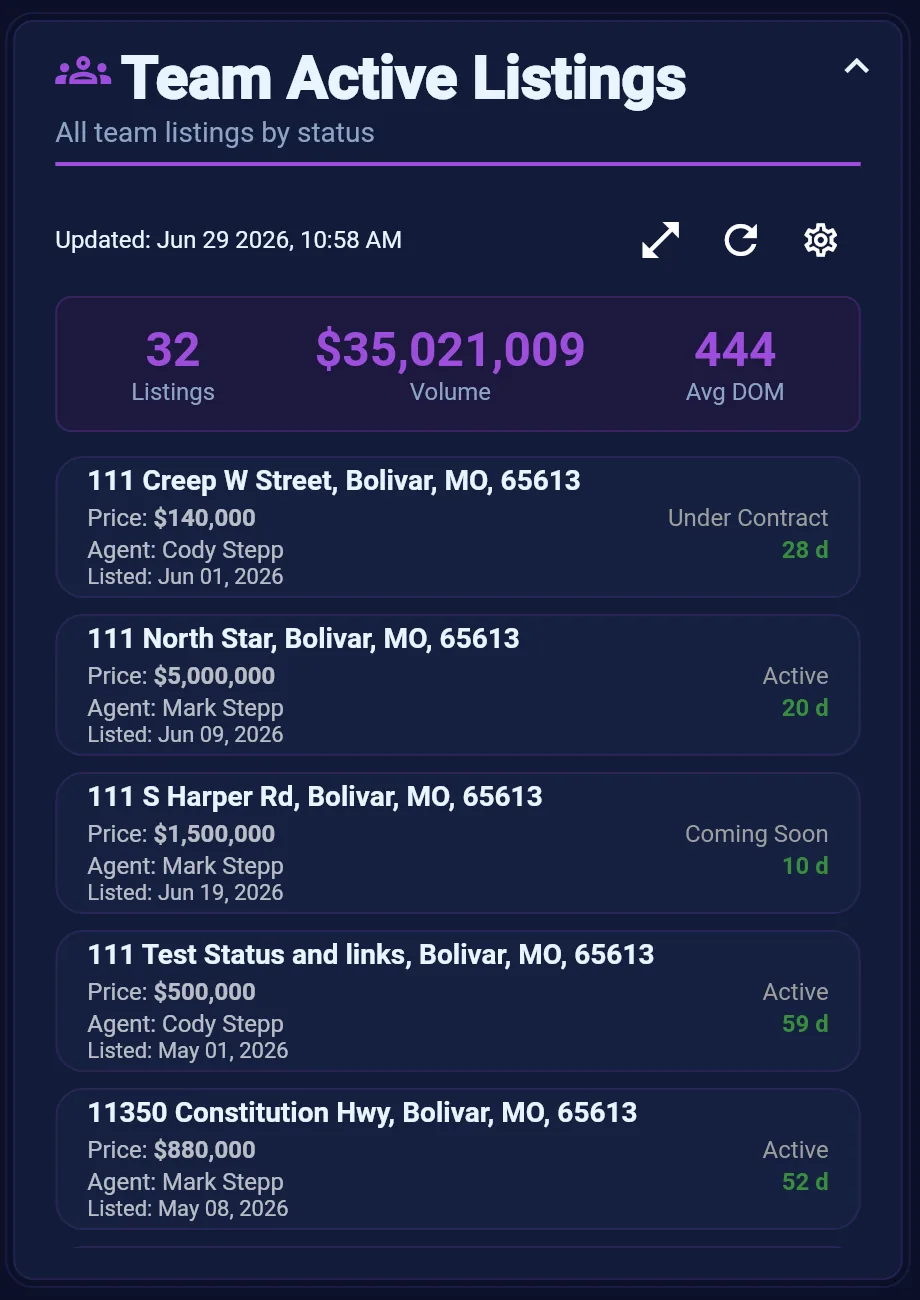
Team Active Listings
All active team listings by status — inventory visibility for brokers, coordinators, and listing managers.
Learn more →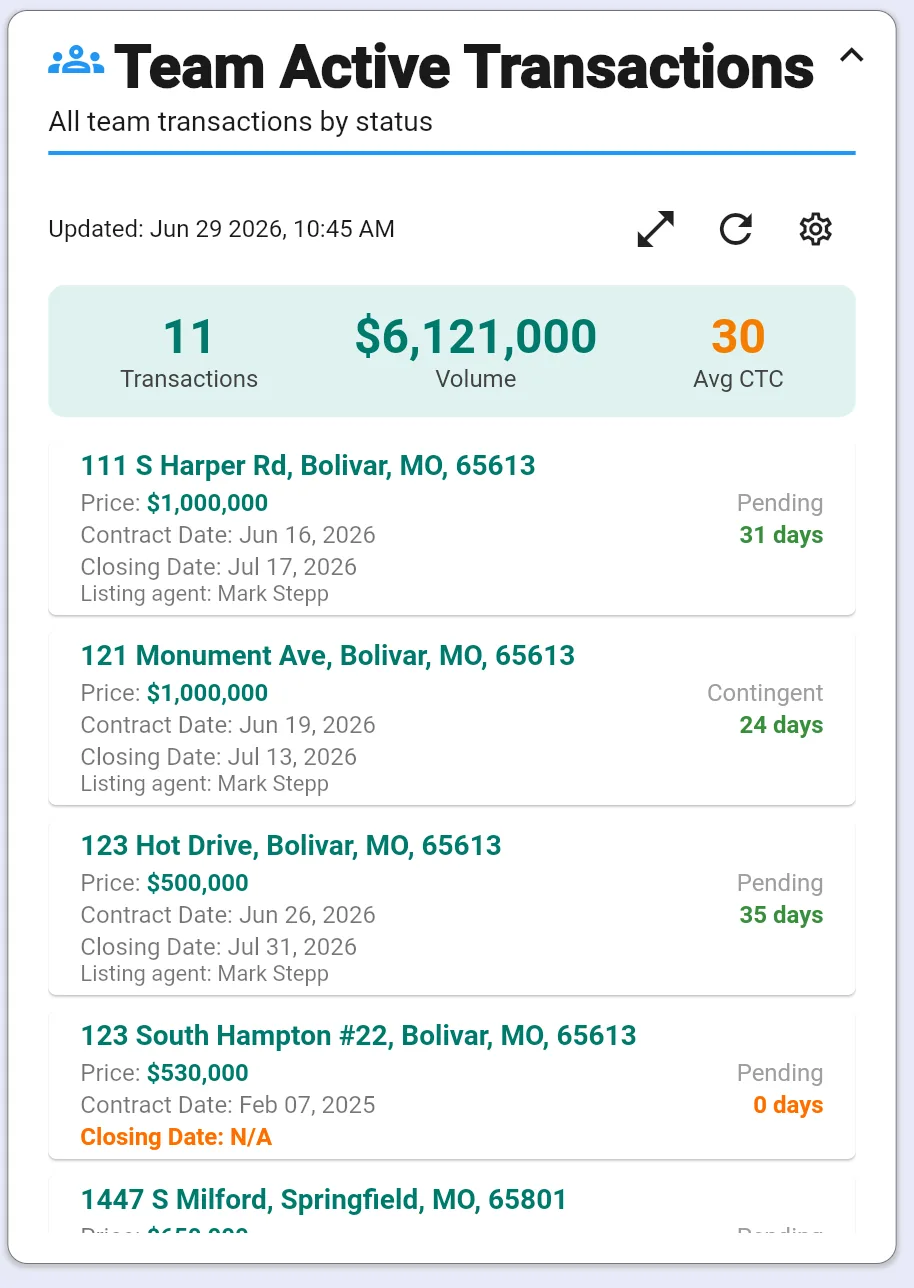
Team & Production
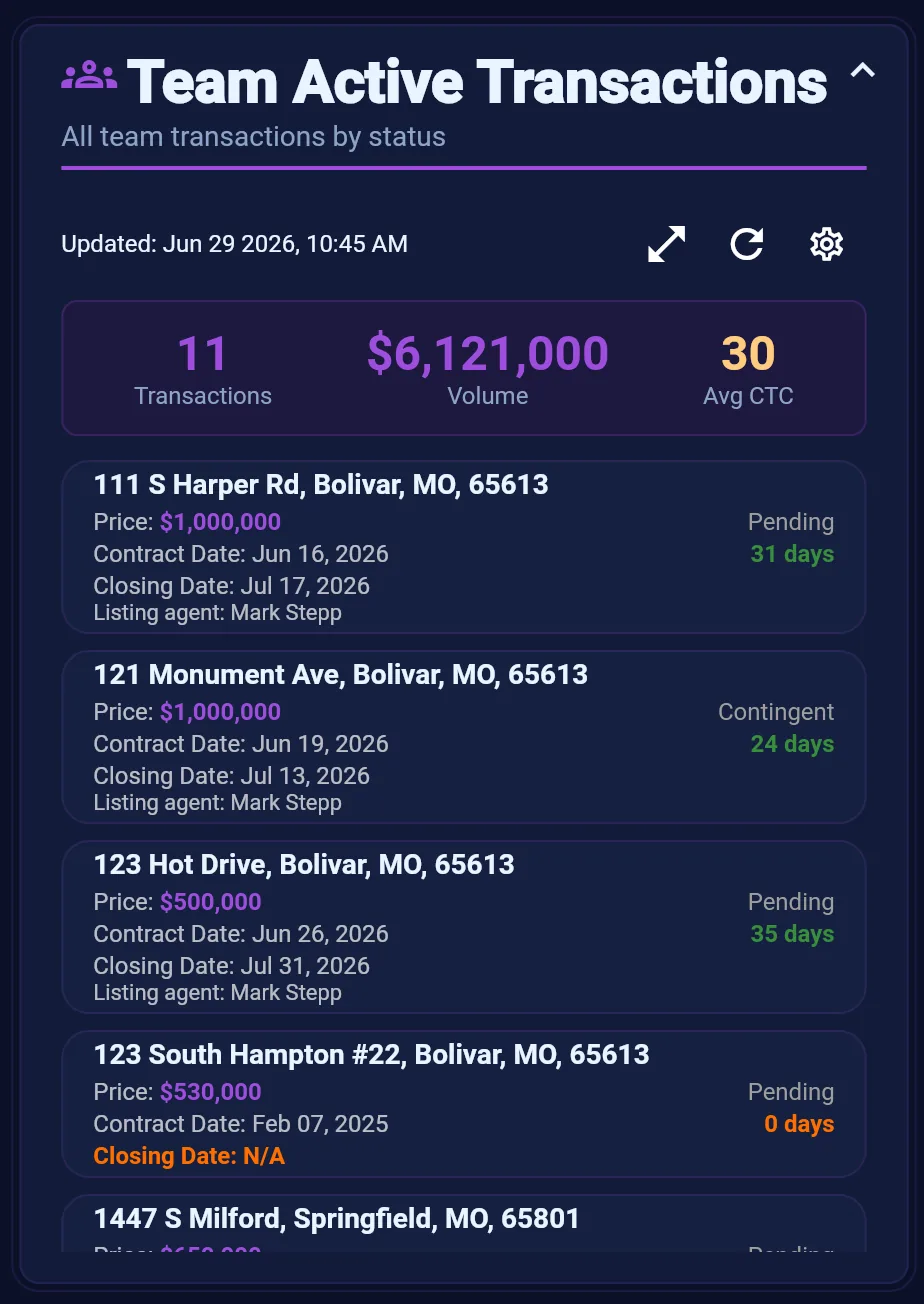
Team Active Transactions
All active team transactions by status — deal load visibility for brokers and transaction coordinators.
Learn more →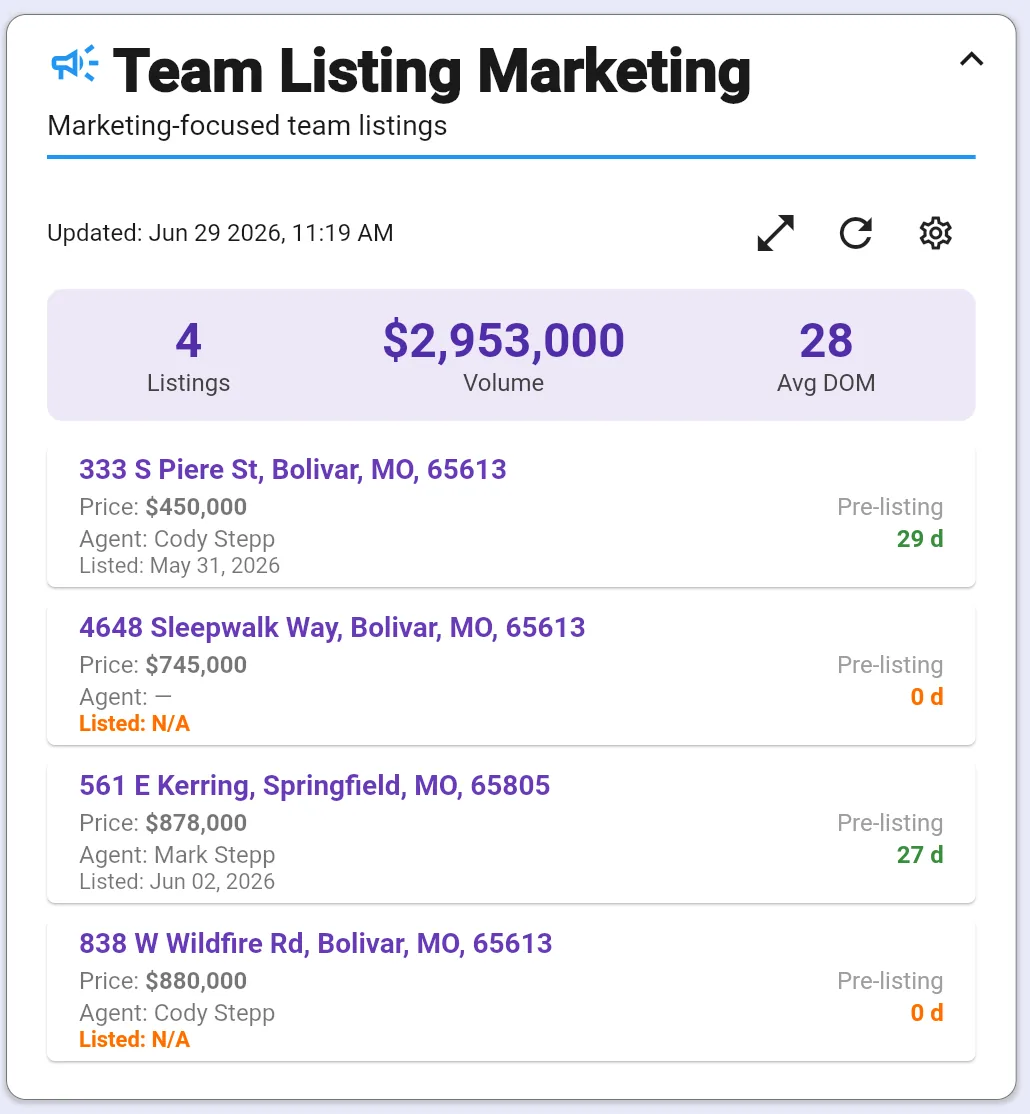
Team & Production
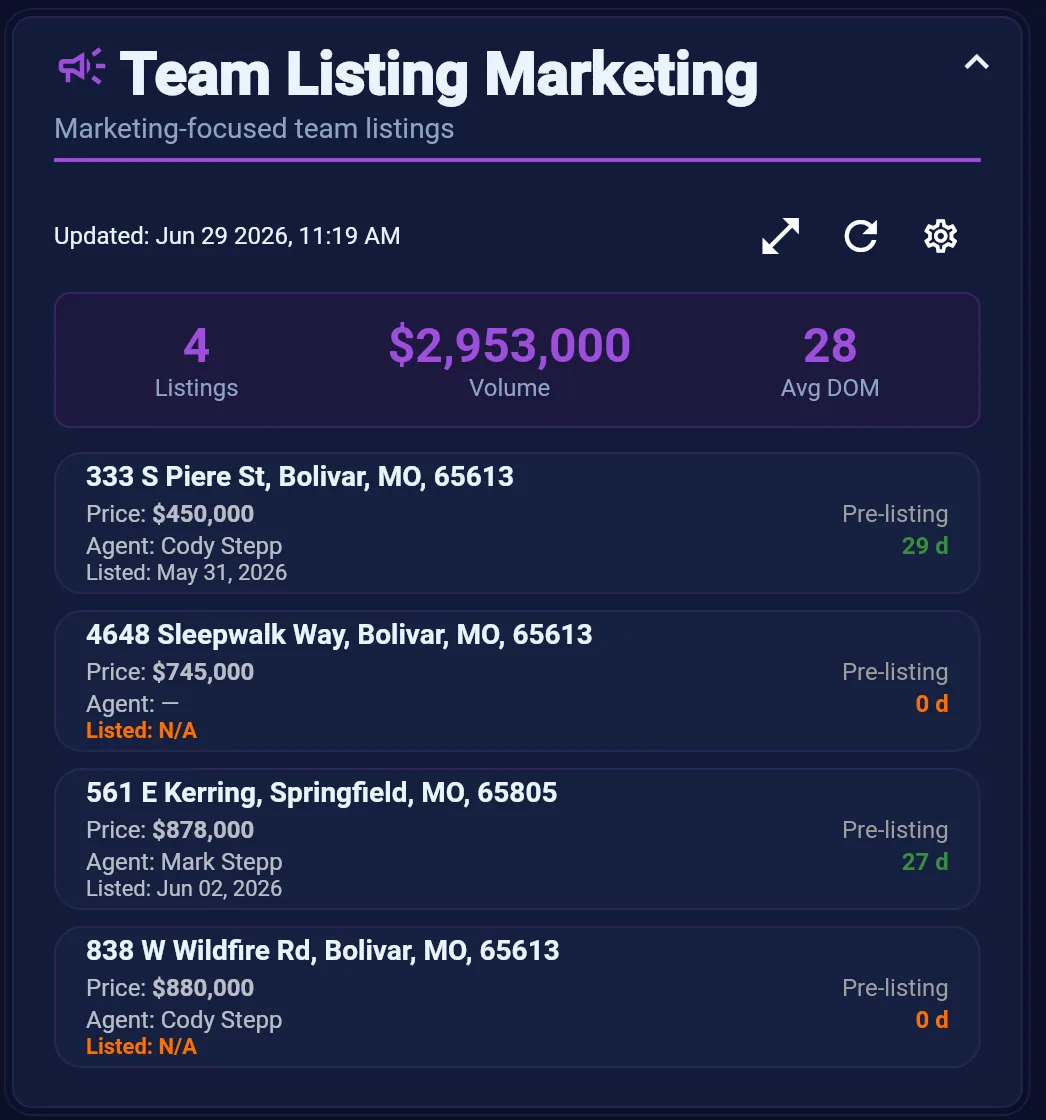
Team Listing Marketing
Marketing-focused view of team listings — launch status, collateral, and campaigns so nothing goes live half-ready.
Learn more →
More widgets in SAM
Outbox Stats, Active Listings, C.O.R.E. productivity counters, Quests, Tally Counts, and Co-Pilot coaching tiles are also available in the app — with expanded views and drill-down popups. This catalog covers the widgets with dedicated visuals today; more detail pages are coming.
Full product overview →Configure your dashboard in minutes
Pin the widgets you need, hide the rest, and reorder your morning view — SAM saves your layout automatically.